Logitech Tap Scheduler 2 makes meeting-room availability easier to see
An empty meeting room is not always an available meeting room. Someone may have reserved it for a session starting shortly, while another apparently booked space sits unused.
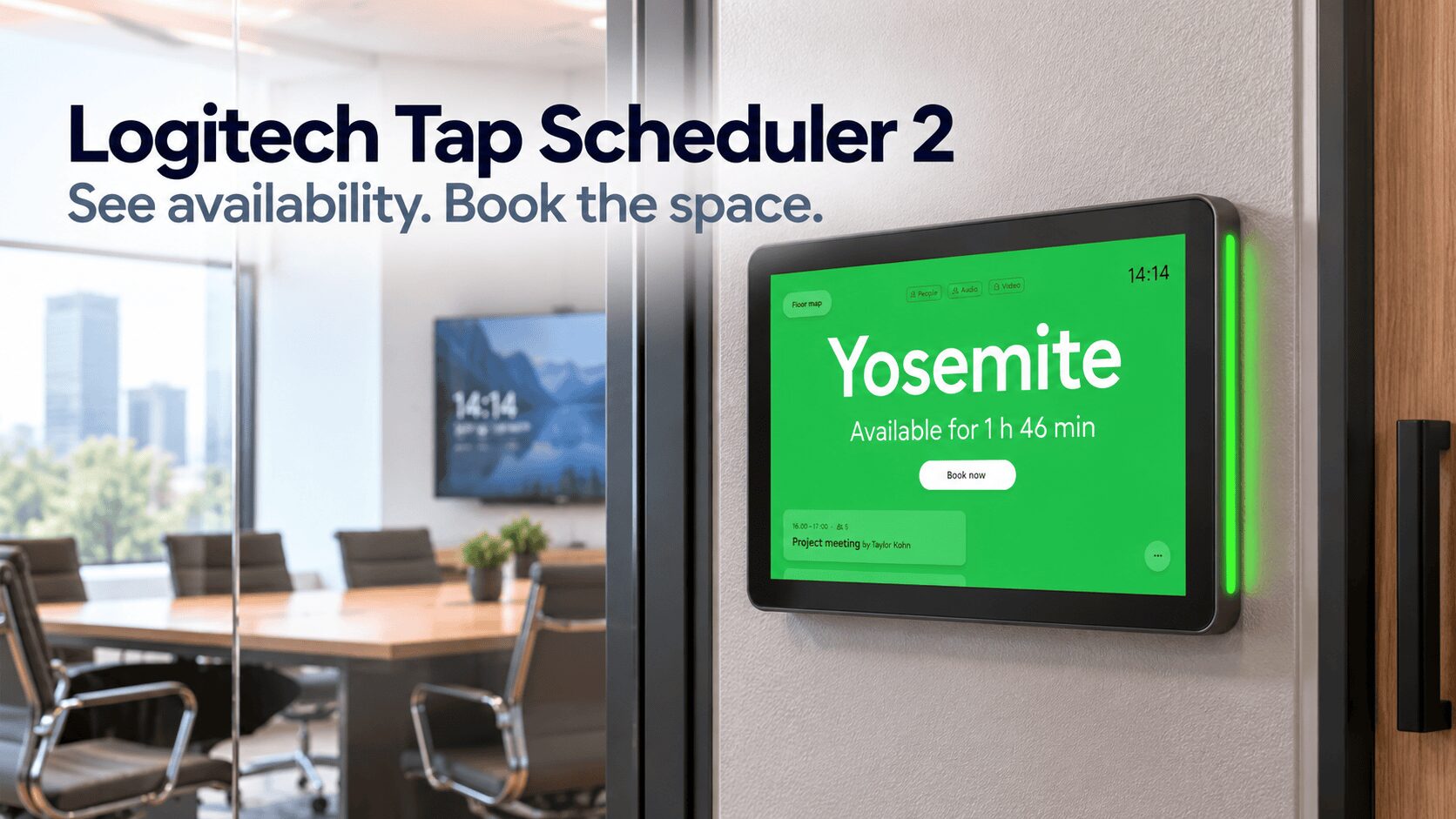
The Logitech Tap Scheduler 2 brings scheduling information to the doorway. Its touchscreen shows meeting details and provides access to room booking, while visible LED indicators help employees identify available spaces from further down the corridor. Logitech
Logitech’s updated panel combines a brighter, higher-resolution display with upgraded computing hardware and motion sensing. It forms part of the company’s next generation of workplace collaboration devices. hub.sync.logitech.com
A clearer display at the meeting-room door
Tap Scheduler 2 uses a 10.1-inch IPS touchscreen with a 1920 × 1200 resolution and specified brightness of 380 nits. The display supports ten-point capacitive touch and includes a fingerprint-resistant coating. logitech.com
For a scheduling panel, readability has a practical purpose. Someone approaching a room needs to understand its status quickly, often while carrying a laptop or moving between meetings.
The screen supplies the detail, while the status lights provide a more immediate visual cue. Together, they offer two ways to assess a space: glance towards the doorway or step closer to check its schedule.
Positioning still matters. Installers should consider visibility from the corridor and whether the screen sits at a comfortable height for regular use.
Logitech Tap Scheduler 2 wakes as someone approaches
The panel uses radar motion sensing to wake its display when someone comes near. It can let the screen sleep between interactions, then present information when a person approaches. Logitech
However, detecting someone beside the panel serves a different purpose from establishing whether people occupy the room.
Logitech offers a separate route to occupancy automation through pairing with Logitech Spot. That distinction matters when deciding what the panel alone can deliver.
Room booking follows the organisation’s chosen platform
Logitech lists integrations with Microsoft Teams, Zoom Workspace Reservation, Appspace, Robin and Logitech Room Booking. The company directs buyers to its current compatibility information for supported configurations. hub.sync.logitech.com
The practical implication is that the booking experience depends on the selected service. Organisations should confirm the functions, calendar integration and licensing available in their intended deployment.
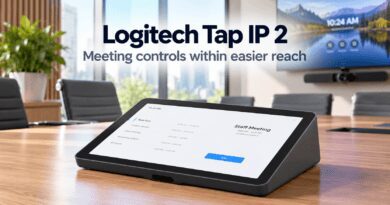
TechnologyBlog’s earlier coverage of Logitech Tap IP and Tap Scheduler explains the roles of room controls and doorway scheduling. Tap Scheduler 2 continues to address the booking side of that workflow.
For employees, the useful outcome is straightforward: see whether a room is available and reserve it through the interface provided.
Included mounts accommodate different office layouts
Logitech supplies a multi-surface mount for glass or drywall, a mullion mount for a frame, and mounting hardware. Tap Scheduler 2 also supports existing Tap Scheduler mounts. Logitech
That gives installers options for glass-fronted rooms and conventional walls. It also provides a potential path for upgrading an existing installation without replacing every mounting component.
Power comes through Power over Ethernet. A suitable PoE network connection or injector is required, and Logitech excludes the Ethernet cable and injector from the package. logitech.com
Consequently, a quotation should account for the network connection and cable route alongside the panel itself.
Occupancy automation adds a separate layer
When paired with Logitech Spot, Tap Scheduler 2 can support automatic room booking or release based on occupancy. Logitech states that insights and automatic booking or release require a service-plan licence. Logitech
This addresses the gap between a reservation and actual use. A room can appear busy in a calendar even when nobody attends the meeting.
For a South African office with limited shared spaces, recovering an unused reservation could be more valuable than simply displaying it clearly. Buyers should therefore assess the booking service, occupancy hardware and licence together if they want that capability.
Management matters after installation
The datasheet lists Logitech Sync, Microsoft Teams Admin Center and Zoom Device Management as management platforms. Tap Scheduler 2 runs Logitech CollabOS and is built on Microsoft Device Ecosystem Platform. logitech.com
For IT teams, the panel becomes another managed workplace device. A successful rollout needs consistent configuration and a clear process for maintaining the installation.
Logitech announced the global launch on 8 October 2026, although that does not establish immediate South African reseller stock. hub.sync.logitech.com
The Logitech Tap Scheduler 2 offers a practical way to make room schedules visible where employees need them. Its broader value depends on how well the chosen booking platform reflects—and, with optional occupancy automation, responds to—the way those spaces actually get used.