Logitech Tap IP 2 puts meeting controls within easier reach
The first few minutes of a meeting can disappear while someone searches for the right controls. Remote colleagues wait, people around the table look towards the screen, and the conversation starts with troubleshooting.
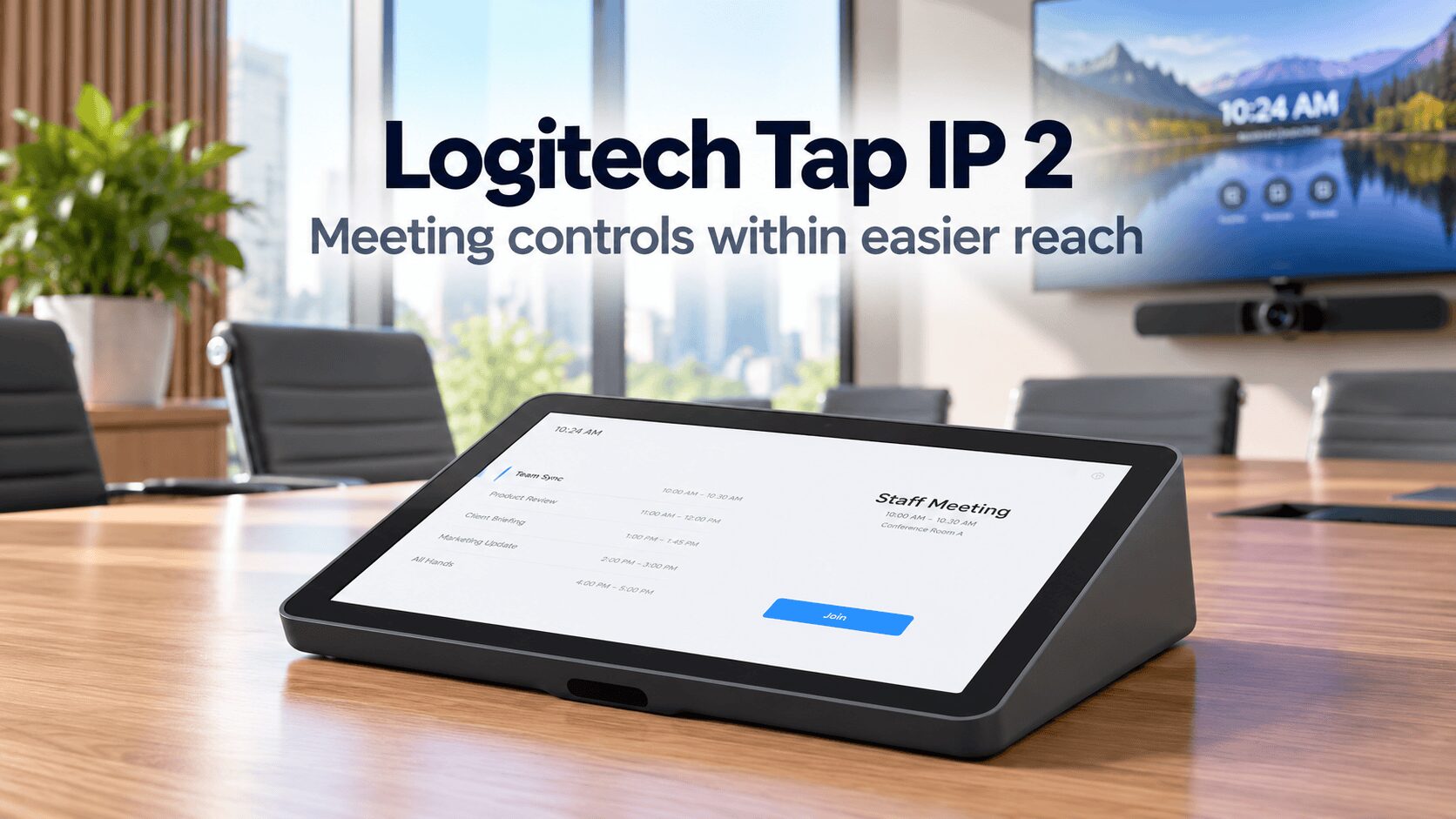
The Logitech Tap IP 2 aims to make that opening more straightforward. Its touchscreen provides access to joining meetings, sharing content, muting audio and controlling the camera. Logitech also adds a brighter display, enhanced motion sensing and automatic provisioning to support everyday use and larger installations. logi BLOG
The idea is practical: put the controls where participants can reach them, then make the device easier for IT teams to deploy.
A clearer screen for everyday meeting controls
Tap IP 2 has a 10.1-inch IPS touchscreen with a 1920 × 1200 resolution and specified brightness of 380 nits. An anti-glare surface and fingerprint-resistant coating address visibility and handling on a shared device. Logitech
Those details matter because a room controller has a different job from a personal tablet. People approach it briefly, often under time pressure, and need to identify the correct action quickly.
However, display specifications alone cannot establish how comfortably someone will read the screen in every room. Placement still matters. A controller within easy reach at the table can be more useful than one positioned where participants must stand to operate it.
Logitech Tap IP 2 wakes when participants arrive
PIR and radar motion sensors enable presence detection and automatic wake-up. Logitech says this also works when the controller mounts upside down on a wall. Logitech
An interface that wakes as people enter removes one small step from starting a meeting. That is especially relevant in shared spaces where employees may use different rooms throughout the day.
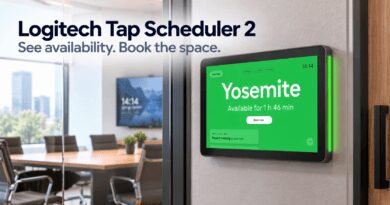
Meanwhile, Logitech distinguishes Tap IP 2’s in-room control role from Tap Scheduler 2’s room-booking role outside the door. The controller manages the meeting experience; the scheduling panel helps people find and reserve a space. hub.sync.logitech.com
TechnologyBlog’s earlier coverage of Logitech Tap IP and Tap Scheduler explains how these two functions fit into a workplace installation.
One cable carries power and data
Tap IP 2 uses Power over Ethernet, allowing one category cable to carry power and data. Installation requires a suitable PoE network connection or injector. Logitech lists the Ethernet cable and injector as excluded, while mounting accessories sell separately. Existing Tap and Tap IP mounts remain compatible. Logitech
For an installation team, these requirements belong in the initial room plan. A controller’s position determines where cabling must reach and whether a table or wall mount makes sense.
For South African businesses requesting quotations, the useful comparison is between complete working installations. Confirm the power arrangement, cable route, mounting hardware and room-system configuration together.
Automatic provisioning addresses the rollout workload
The user sees a touchscreen, but administrators also need to configure and support it. Logitech Sync provides device management, while automatic provisioning applies specified settings as Tap IP 2 connects. Logitech
Logitech’s deployment guidance emphasises a consistent experience across shared rooms. Employees moving between spaces should be able to access familiar meeting actions without learning a different process each time. logi BLOG
That makes central configuration relevant beyond a single boardroom. A standard approach can help IT teams maintain several rooms while giving participants a more predictable starting point.
Platform support needs configuration checks
Logitech lists support for Microsoft Teams Rooms on Android, Zoom Rooms and Google Meet. Available meeting controls vary by platform, so buyers should check the current compatibility information for their intended room system. Logitech
The Logitech Tap IP 2 product page provides the starting point for assessing the controller. It should form part of a supported installation with appropriate conferencing hardware and services.
Logitech announced Tap IP 2’s global launch on 8 October 2026. That announcement does not confirm immediate South African reseller stock. hub.sync.logitech.com
Its practical appeal comes from small improvements that participants encounter repeatedly: clearer controls, automatic wake-up and accessible placement. For IT teams, automatic provisioning adds another reason to assess it when standardising meeting rooms.