Logitech Rally Bar 2 brings a 1-inch camera sensor to larger meeting rooms
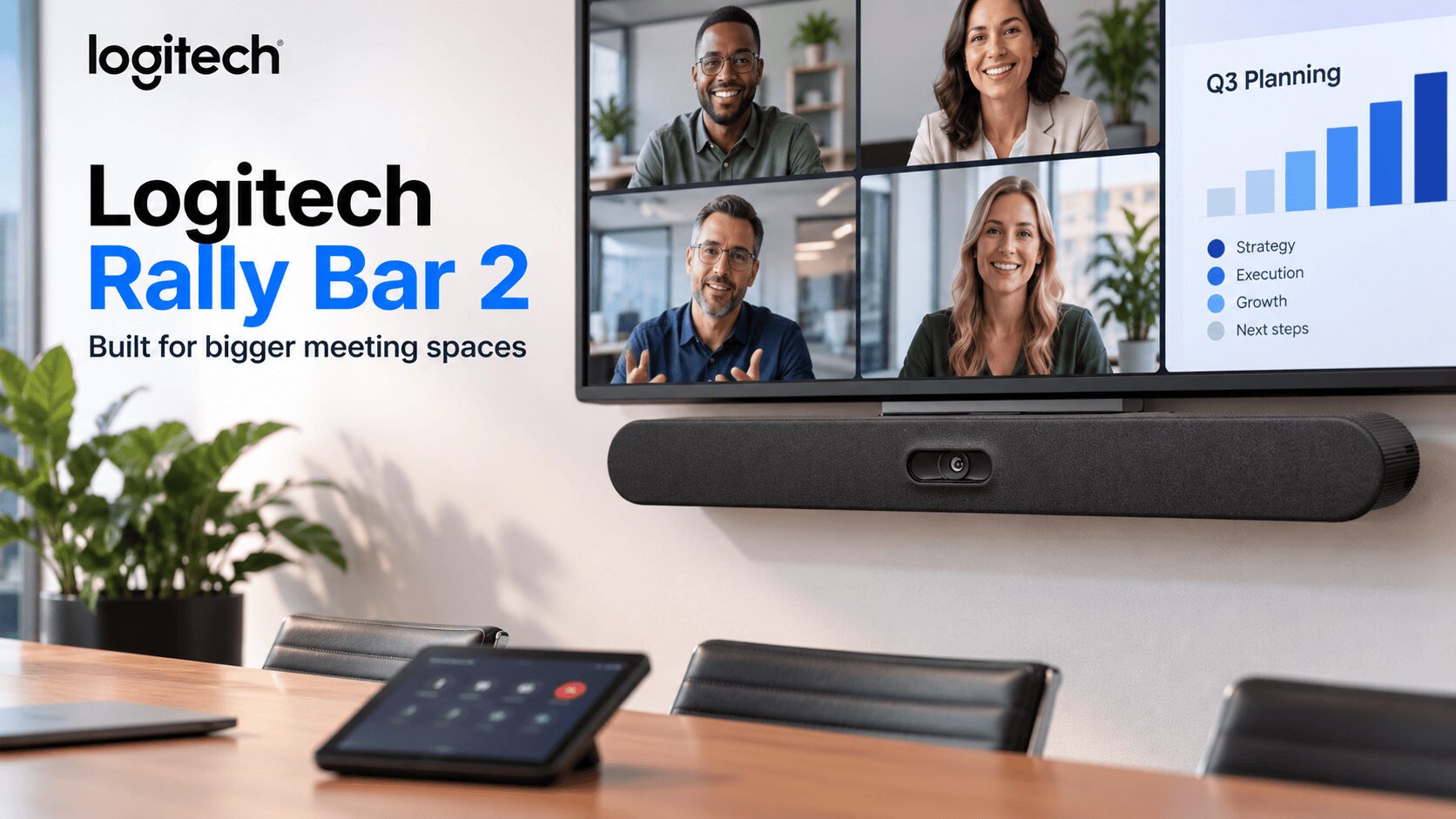
The Logitech Rally Bar 2 brings a 4K camera, six microphones and four speakers together for medium to large meeting rooms. Its appeal extends beyond the camera specification: Logitech also offers several deployment options and a mount that simplifies servicing. Logitech
For employees joining remotely, the meeting room can become a difficult place to follow. People sit at different distances, turn towards each other and speak away from the camera. Meanwhile, the person running the meeting has little time to adjust equipment.
Rally Bar 2 addresses those problems through automated framing and audio processing. This is a specifications-based overview; it does not include hands-on testing.
Logitech Rally Bar 2 combines wide coverage with automatic framing
The camera uses a 1-inch sensor, a 115-degree diagonal field of view and 4x HD digital zoom. Logitech’s RightSight 2 technology detects participants and active speakers to adjust framing automatically. Logitech
That automation can reduce the need for someone to operate camera controls during a discussion. However, camera placement still matters. A wide view cannot guarantee that every face will appear equally clearly across a long table.
Digital zoom also differs from optical zoom. Businesses should therefore assess the view from their most distant seats before signing off an installation.
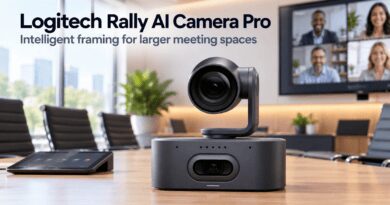
TechnologyBlog’s coverage of the Logitech Rally AI Camera provides further context on the company’s approach to intelligent meeting-room video.
Audio processing targets uneven voices and room noise
Logitech describes RightSound 3 as using AI to reduce background noise and echo while balancing voice levels. The speaker system combines two full-range drivers with two tweeters. Logitech
Voice balancing addresses a familiar frustration: one colleague sounds loud and clear, while another becomes difficult to hear from the far end of the table.
Nevertheless, buyers should test speech from every seat. Glass walls, bare surfaces and ventilation noise can make the room itself an important part of the installation.
Three deployment options give IT teams room to plan
Rally Bar 2 supports PC-based, Android-based and bring-your-own-device configurations. Logitech Link also connects compatible additional cameras and microphone pods over category cabling. logitech.com
The deployment choice should follow how employees actually use the room. A dedicated setup can provide a consistent meeting workflow. BYOD allows users to bring their own laptop and conferencing application.
Before ordering, organisations should agree on the required controller, accessories, platform licences and cabling. This helps prevent an apparently complete hardware quotation from becoming an incomplete room.
Easier servicing could matter after installation day
The included wall mount pivots through 90 degrees to expose ports and cables. Administrators can also configure, monitor and update the device through Logitech Sync. Environmental and occupancy insights require additional services. logitech.com
Access to connections may seem less exciting than AI features, but it matters when a cable needs replacing. Maintenance becomes harder when technicians must dismantle the installation to reach basic ports.
Why it matters for South African workplaces
For South African organisations connecting office staff with remote colleagues, the useful question is whether the complete room supports clear, dependable meetings.
That assessment should include connectivity, acoustic conditions and backup power for the display and network equipment. Keeping the video bar powered alone will not keep the whole meeting operational.
Rally Bar 2 offers an integrated starting point for larger rooms. Its practical value will depend on the installation, chosen platform and performance from the seats people actually use.