Wallpaper Engine: animated backgrounds and practical Windows controls
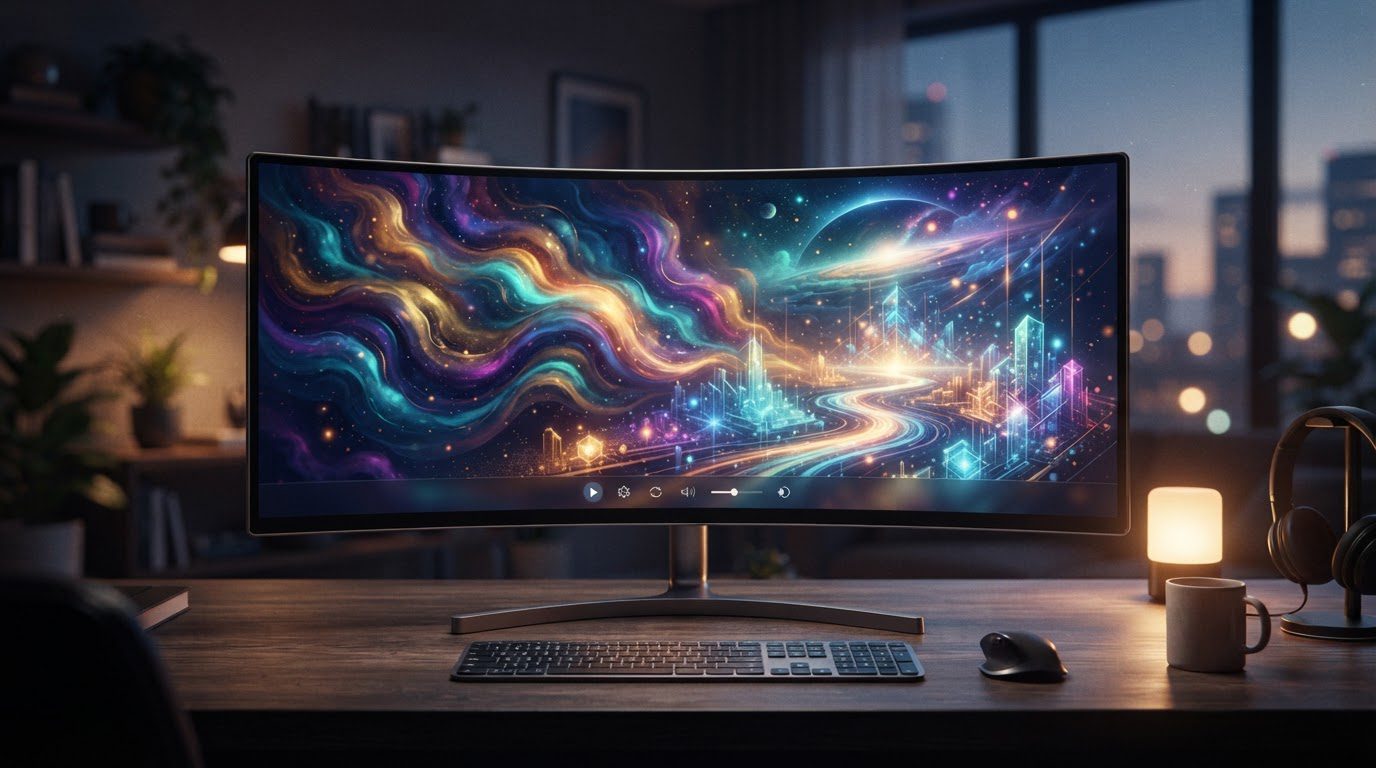
Wallpaper Engine replaces a static Windows background with animated or interactive content. It is desktop customisation software, with tools for both choosing an existing wallpaper and creating one.
The official website describes an editor, Steam Workshop sharing, multi-monitor support and application-specific performance controls. Those are the features to assess before buying. A game-style description about missions or progression would obscure what the application actually does.
Three ways to build a wallpaper
The creator documentation distinguishes scene, web and video wallpapers.
Scene wallpapers begin with images and use the Wallpaper Engine editor. Web wallpapers are programmed with technologies such as HTML, CSS and JavaScript. Video wallpapers use pre-rendered MP4 files that can be uploaded through the editor.
These approaches suit different tasks. Animating a still image does not require the same workflow as programming an interactive web background, while a finished video already contains its motion. A prospective creator should start with the format that matches the source material and their own skills.
Users who only want a background can browse community content instead. Creating a wallpaper is optional; the editor adds an authoring route alongside the selection and display tools.
Control what happens while other apps run
Wallpaper Engine offers pause behaviour for games and maximised applications, as well as rules for individual apps. Laptop users can configure pausing on battery power. Playlists can change the selected background at intervals or in response to events.
Those controls deserve attention when setting up the application. A background running behind a demanding game serves a different purpose from one shown on an otherwise idle desktop. Configure the behaviour you want, then check the particular wallpaper on your own display arrangement.
The developer’s performance claims are not independent measurements. A simple scene and a complex animated background should not be assumed to have identical resource demands merely because both run in the same application.
Wallpaper Engine system requirements
The Steam listing gives these minimum requirements:
- Windows 10 or Windows 11.
- A 1.66 GHz Intel i5 or equivalent.
- 1,024 MB RAM.
- Intel HD Graphics 4000 or above.
- DirectX 11 and 512 MB available storage.
Its recommended specification increases this to a 2.0 GHz i7 or equivalent, 2,048 MB RAM and a GTX 660 or Radeon HD 7870 with at least 2 GB graphics memory. Recommended storage is 1,024 MB. Windows N installations require Microsoft’s Media Feature Pack.
The specification is a starting point for compatibility, rather than a guarantee for every community wallpaper. Display resolution, the selected content and other applications are relevant to the setup you actually use.
Windows and Android have different roles
The Windows application is paid software distributed through Steam. Its full-release date there is 16 November 2018. The Android companion is free and requires Android 10 or newer; it receives compatible wallpapers from the desktop application.
The platform FAQ lists Windows and Android support and says there are no immediate plans for other platforms. An Android app therefore should not be treated as evidence of a macOS or Linux desktop version.
For Windows users, the purchase decision comes down to the backgrounds and creation tools they want, plus the controls needed to fit those backgrounds around work and gaming. For someone on another desktop operating system, official compatibility is the first issue to resolve.