Dynamics 365 family: which applications fit which business jobs?
Dynamics 365 is a family of Microsoft business applications, so the first buying question is which process needs attention. A sales team losing track of opportunities, a workshop struggling to schedule visits and a finance department trying to reconcile multiple systems are describing different problems. Buying under one familiar brand name does not make their requirements interchangeable.
Microsoft's current portfolio spans customer relationship management and enterprise resource planning. It also includes Business Central for small and midsize organisations. The shared family identity is useful for understanding Microsoft's direction, but an implementation should be scoped around work, data and responsibility rather than an assumption that one subscription solves the whole business.
Start by separating customer work from operational records
Microsoft's Dynamics 365 overview presents applications that can be used individually or together. Its customer-facing portfolio includes Sales, Customer Insights, Customer Service, Contact Center and Field Service. The operational portfolio includes Finance, Supply Chain Management, Commerce, Project Operations and Human Resources.
Those names provide a map, not a procurement specification. Before requesting demonstrations, write down the event that starts a process, the person who owns it and the record that proves completion. For example, accepting a customer's order is not the same as reserving stock, issuing an invoice or completing a field visit. A useful demonstration should show those handovers rather than jumping between attractive screens.
This also helps separate a missing feature from an unclear internal procedure. If nobody can agree who approves a discount or changes a delivery date, software selection alone cannot resolve the disagreement. Documenting the decision gives a prospective implementation partner something concrete to configure and test.
Sales, marketing information and service have different centres
Dynamics 365 Sales concerns the selling process, while Customer Insights addresses customer data and journeys. Customer Service concerns service resolution, and Contact Center addresses engagement across voice and digital channels. These are Microsoft's product positions, not evidence that deploying them automatically improves revenue or customer satisfaction.
Consider an illustrative enquiry that begins as a marketing response, becomes a sales opportunity and later generates a support request. Decide which team should see each record, what information should follow the customer and which system is allowed to change it. The handover is the evaluation scenario. It reveals more than separately counting features in each product.
Access also needs deliberate design. A salesperson may need to know that an issue exists without seeing every sensitive detail attached to it. Ask how the proposed solution represents those boundaries, and have the relevant teams check the result using realistic sample cases. Do not assume that connecting applications means everyone should receive the same view.
Field Service is about work beyond the office
Microsoft positions Field Service around frontline service workflows. For an organisation sending people to customer sites, the selection discussion should therefore include the whole visit: booking, preparation, allocation, completion and the information returned to the office.
Use a representative job rather than an ideal one in the demonstration. Include a change of appointment, an unavailable part or an incomplete visit. Ask what the office sees and how the next responsible person learns about the exception. This is an editorial evaluation method, not a claim that every edition includes a particular scheduling or inventory feature.
South African teams should also test the conditions under which staff actually work. If connectivity is uncertain, require the supplier to demonstrate the proposed mobile and synchronisation behaviour under those conditions. A presentation on a fast office connection cannot establish suitability for every field location.
Finance and supply chain require agreement on the business model
Dynamics 365 Finance and Supply Chain Management occupy the financial and operational side of the portfolio. Microsoft lists them separately, which is a useful reminder to define the relationship between financial reporting and the movement of goods.
An illustrative distributor might want a single view of a customer order, a warehouse reservation and the resulting financial entry. Before choosing software, establish which existing system owns each record and whether it will remain in place. A new application that receives copies of records is a different project from replacing the system that creates them.
Our Dynamics 365 Supply Chain Management comparison looks more closely at alternatives and implementation fit. This family guide provides the broader map; it does not repeat that comparison or declare Dynamics the default choice for a Microsoft-using company.
Commerce, projects and human resources add specialised requirements
Microsoft's portfolio also names Commerce, Project Operations and Human Resources. A retailer, a project-based consultancy and an employer managing workforce information should not evaluate these solely as extra boxes in a suite diagram.
For a project business, choose a representative engagement and trace what happens when its scope changes. Establish how the proposed system would connect the commercial commitment, work performed and financial reporting. For retail, define the customer and transaction handovers that matter across the intended channels. For workforce information, identify who may view or change each category of data.
These examples are questions for a demonstration, not assertions that an unqualified base licence includes every needed capability. Ask the supplier to identify the exact application, edition, configuration and additional service behind each answer. That creates a reviewable proposal rather than a list of product names that different people interpret differently.
Business Central is a distinct starting point
Microsoft describes Business Central as ERP for small and midsize businesses. Its product material covers financial management, sales and service, projects and supply-chain work, with connections to familiar Microsoft 365 applications.
That positioning makes Business Central worth assessing as a coherent business-management option rather than automatically starting with several separate enterprise applications. It does not mean that every smaller organisation has simple requirements, or that headcount alone determines the right product. A small specialist manufacturer can have complex processes; a larger organisation can have relatively straightforward needs in one division.
Compare the required process against the proposed product and partner solution. Ask which needs are standard, which need configuration and which depend on an extension or integration. Have the supplier explain who maintains those additions when the underlying service changes. The answer influences the ongoing workload as much as the initial licence choice.
Connected applications still need governed data
Microsoft promotes connections between Dynamics applications, other Microsoft products and existing systems, alongside Copilot and agent capabilities. Those are vendor capabilities and ambitions; they do not prove that an organisation's records are complete, consistently defined or suitable for automation.
Start with a small set of important definitions. Decide what counts as an active customer, which address is used for delivery and who may correct a duplicate. Then assign responsibility for reviewing the interfaces that carry those records between systems. A shared name on two applications is not proof that their data is reconciled.
For an AI-assisted workflow, specify the permitted action and the point at which a person must review it. Test exceptions as well as successful examples. Measure whether the proposal reduces a real task without introducing unacceptable rework. TechnologyBlog.co.za has not benchmarked these applications or independently verified Microsoft's productivity claims.
Build a scoped proposal before comparing subscription totals
Microsoft's South African pricing overview provides separate routes for the applications and licensing resources. Use it to identify the products involved, then obtain a current proposal for the actual roles and workload. This guide does not quote a local implementation price, assume VAT treatment or certify an organisation's licence compliance.
Separate subscription charges from data preparation, migration, integrations, training and ongoing support in the proposal. Ask who owns each task and what constitutes acceptance. Plan a pilot around the difficult handovers identified earlier, with people from the teams that will use and maintain the system.
The useful way to understand the Dynamics 365 family is through those boundaries. Select the applications that address defined work, establish how records move between them, and require evidence from a scoped demonstration. A portfolio can offer room to expand without making a whole-suite purchase the right first step.
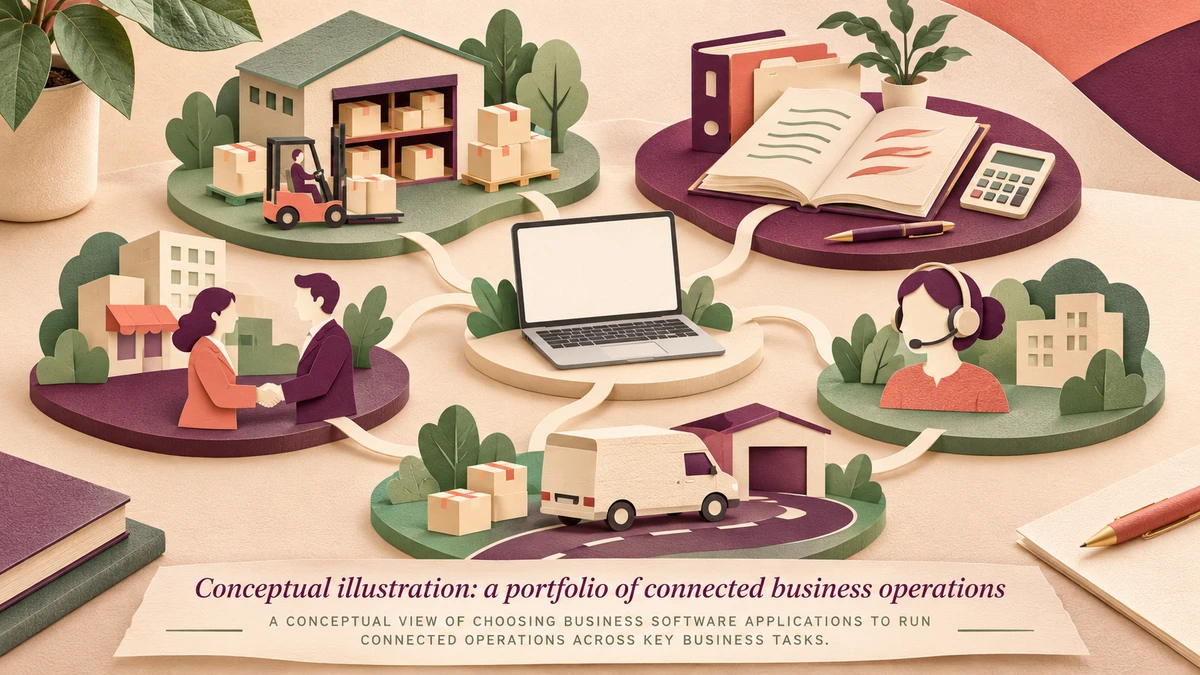
Featured image: AI-generated conceptual illustration of connected business tasks, not a Dynamics 365 screenshot or customer deployment. Product portfolio checked on 20 November 2026.
