
What is GearUP Booster, how does it work and does it help?
GearUP Booster is a game-network routing service, not an internet-speed or FPS booster. Its purpose is to change the network path used between a player’s device and a game server in an attempt to reduce latency, jitter and packet loss when the default route is inefficient. It can help in some network conditions, but it cannot remove the physical distance to a server, repair a weak Wi-Fi signal or compensate for every problem at an internet service provider.
That distinction matters because searches for GearUP often come down to the same practical questions: what does it actually do, does it work, is it safe, and is it worth paying for? The useful answer depends less on marketing promises and more on understanding where gaming latency comes from.
What is GearUP Booster?
GearUP Booster is software designed to optimise the route taken by online-game traffic. According to GearUP’s own explanation of its routing system, the service attempts to avoid congested routes and move game traffic onto alternative network paths that may provide lower latency or greater stability.
This is different from increasing the raw speed of an internet connection. A 100Mbps fibre line does not automatically have lower gaming latency than a 50Mbps line. Online games usually use relatively modest bandwidth, while responsiveness depends heavily on the route between the player and the game server, the distance involved, packet loss, jitter and congestion.
GearUP therefore sits in the same broad category as gaming routing and optimisation services. It does not upgrade the fibre line coming into a home and it does not make a computer’s graphics processor render more frames per second.
How does GearUP Booster work?
Internet traffic does not always take the shortest geographical route between two points. Routing decisions can be influenced by peering agreements, congestion, network capacity and how an ISP exchanges traffic with other networks.
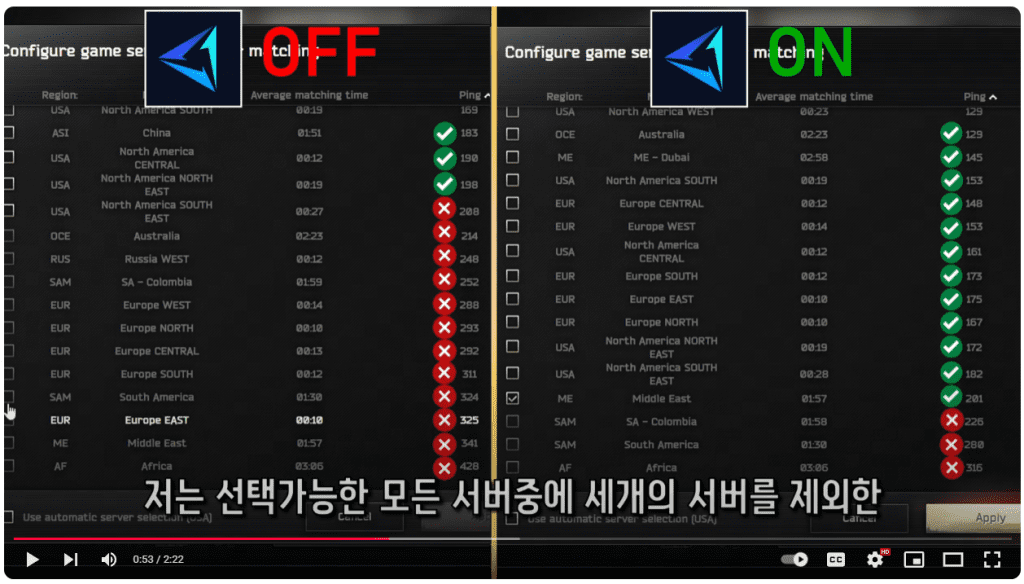
GearUP says its service uses dedicated network routes and algorithms to select a more efficient path to supported game servers. Its newer Adaptive Intelligent Routing technology is described as monitoring available server paths and switching between them as game-server conditions change.
In practical terms, the software is trying to improve the middle of the journey between the player’s local connection and the game server. If the ISP’s normal route is already efficient, there may be very little to improve. If that route is unusually long, congested or unstable, an alternative route can potentially make a more noticeable difference.
Does GearUP Booster actually reduce ping?
It can reduce ping when inefficient routing is the main cause of the problem, but a lower ping is not guaranteed for every player or every game.
Consider two South African players connecting to the same overseas game server. One ISP may have strong international peering and a direct route, while another may send traffic through a less efficient path. A routing optimiser has more room to help the second player than the first.
The same applies to packet loss and jitter. If instability occurs somewhere on the normal internet route and GearUP can avoid that segment, the connection may improve. If the packet loss is being caused by overloaded home Wi-Fi, a damaged fibre connection, local congestion or a problem at the game server itself, changing the external route may not solve it.
TechnologyBlog.co.za has not independently benchmarked GearUP across South African ISPs, games and server regions, so this article does not present the company’s latency claims as universal results.
What GearUP cannot fix
A network optimiser cannot override the laws of physics. A South African player connecting to a server on another continent will still face propagation delay caused by distance, even if the route is efficient.
- It cannot turn a distant overseas server into a local server.
- It cannot repair weak Wi-Fi coverage inside a home.
- It cannot fix an overloaded game server.
- It cannot increase GPU performance or frame rate simply by changing the network route.
- It cannot guarantee lower ping when the ISP’s normal route is already efficient.
That is why troubleshooting should begin locally. Ethernet is preferable where practical, Wi-Fi signal quality should be checked, unnecessary downloads should be stopped and the player should confirm that the selected game region is appropriate before paying for a routing service.
How to test whether GearUP helps your connection
The most useful way to judge a network-routing service is with a controlled before-and-after comparison rather than one good or bad match.
- Use the same game, server region and internet connection for both tests.
- Record normal ping, packet loss and any visible jitter before enabling the booster.
- Enable GearUP and repeat the test at a similar time of day.
- Run several matches rather than relying on one short session.
- Compare not only the lowest ping, but also consistency and packet loss.
A reduction from 170ms to 165ms is unlikely to transform a game. A large reduction in unstable spikes or repeated packet loss could be more meaningful even when the average ping changes only modestly.
Why GearUP asks for VPN permission on mobile
GearUP’s mobile application can request system VPN permission. According to the company’s VPN-permission support page, that permission is required so the application can route supported game traffic through its optimisation network.
This does not mean users should ignore privacy questions. Any service involved in routing network traffic deserves scrutiny. GearUP publishes a privacy policy describing categories of personal, account, device, network and usage information it may collect and how that information may be used.
Users should read the current privacy policy and permissions presented by the application before installing it. TechnologyBlog.co.za has not independently audited GearUP’s infrastructure or security controls, so we do not make an independent claim that the service is risk-free.
Is GearUP Booster the same as a normal VPN?
There is overlap in the underlying idea because both can redirect traffic through another network path, but the intended use is different. A conventional consumer VPN is commonly used to change the apparent network location, protect traffic on untrusted networks or access a remote private network. GearUP is specifically marketed around game routing and supported game-server paths.
That gaming focus does not guarantee a better route. Adding another network hop can make latency worse if the selected path is inefficient. The only reliable way to establish whether it helps a particular connection is to measure the result.
GearUP guides already on Technology Blog
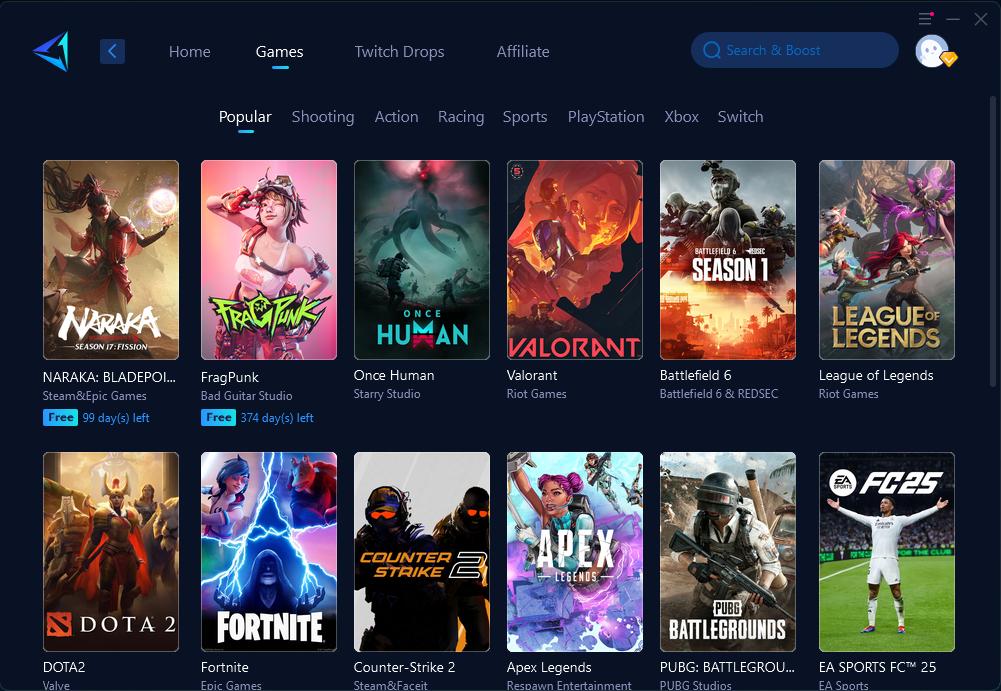
Players looking for a game-specific example can read our Tekken 8 GearUP guide for Windows. That article focuses on setup and game-specific use rather than the broader question of how the service works.
What South African gamers should consider
South African players often connect to a mixture of local, European, Middle Eastern and other international game servers. That makes routing quality particularly important because international paths can differ substantially between ISPs and server regions.
Before subscribing, identify where the game’s servers are located and compare the connection with and without GearUP. Players using fibre should also test over Ethernet where possible so poor household Wi-Fi does not distort the result.
Load-shedding resilience can matter too. A router and fibre ONT running from backup power may keep the connection alive during an outage, but the quality of the route beyond the home still depends on the ISP and wider network infrastructure. A routing optimiser should therefore be treated as one part of troubleshooting rather than a replacement for a reliable local connection.
Is GearUP Booster worth it?
GearUP is most worth testing when a player has already ruled out obvious local problems and still sees poor routing, unstable latency or packet loss to a particular game server. It makes less sense to expect a dramatic improvement when the connection is already stable and the remaining latency is mainly the unavoidable result of physical distance.
The sensible approach is therefore measurement first, subscription second. Use any available trial period to compare several gaming sessions, check the billing and cancellation terms, and judge the service by repeatable changes in latency, jitter and packet loss rather than by a single headline number.
Affiliate disclosure: TechnologyBlog.co.za may earn a commission if you purchase GearUP through the link below, at no additional cost to you. This commercial relationship does not change the limitations described in this article.



Pingback: How to Reduce Lag in Tekken 8 with GearUP - Technology Blog