Gemini Explained: A Beginner’s Guide
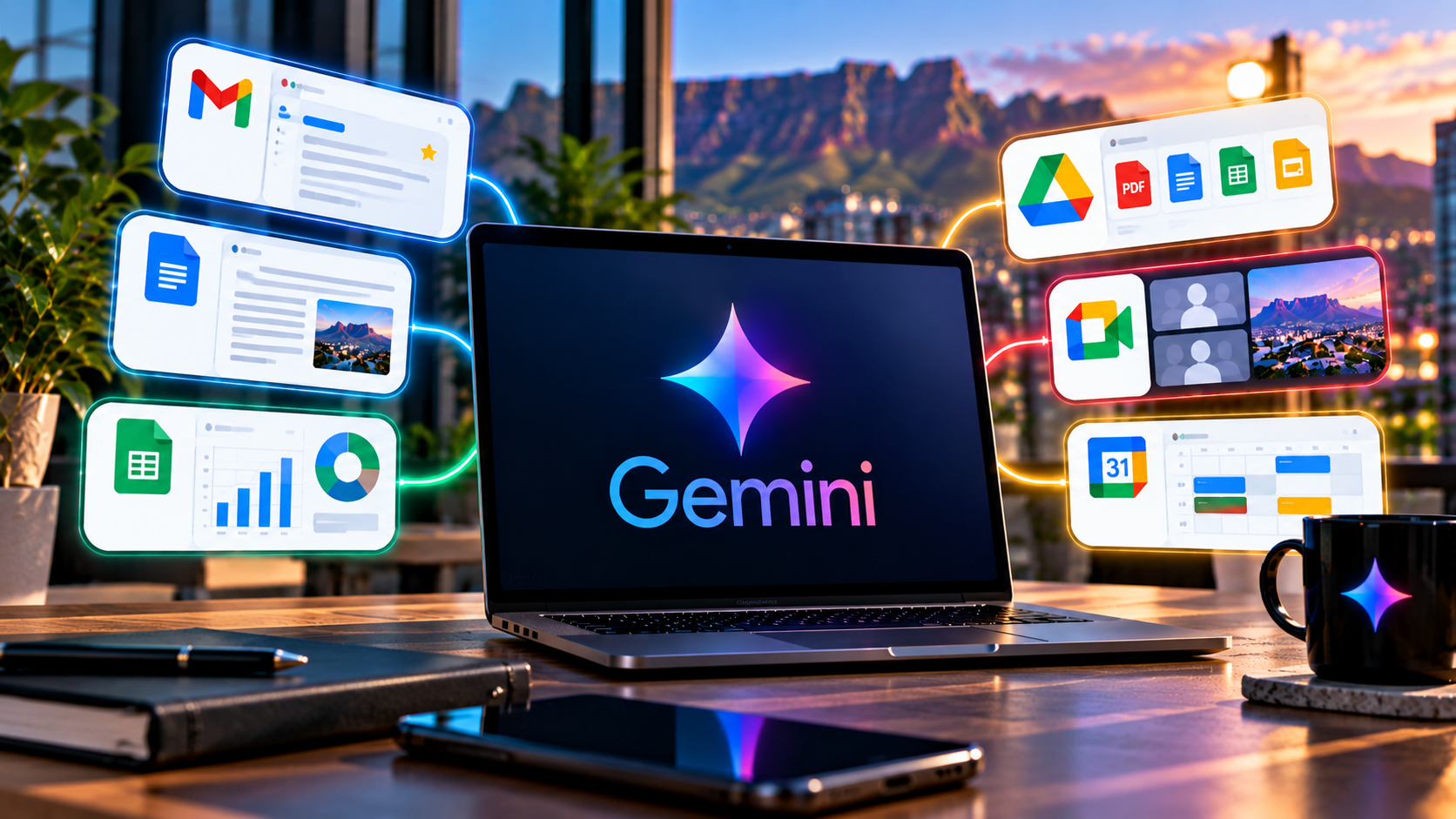
Google Gemini is no longer one product in one chat box. Entering 2027, the name covers a consumer assistant, a family of multimodal models, a research system, AI inside Google Workspace, native desktop apps and increasingly agentic tools that can work across files, apps and media.
That expansion creates the first thing a beginner needs to understand: when somebody says “Gemini can do this”, the answer depends on which Gemini surface they mean. A feature documented for the API, Workspace or one subscription is not automatically available everywhere else.
The simplest map is this: the Gemini app is the consumer assistant, Gemini models provide the underlying intelligence, and Google products can expose Gemini capabilities without looking like the standalone app at all. That distinction prevents a common reporting and user mistake — assuming a feature documented for the API, Workspace or one account type exists everywhere else. For the broader product map, see TechnologyBlog’s complete Google Gemini guide.
Gemini is both an assistant and a model family
When someone says “Gemini”, they may mean the Gemini app, the Gemini model powering a developer application, Gemini features inside Gmail or Docs, or a specialised model such as Gemini 3.8 Flash. Those are related, but not identical.
Google’s September 2026 release cycle makes the distinction clear. Gemini 3.8 Flash is positioned as a fast model for complex reasoning, software engineering and agentic workflows. Google’s developer documentation lists support for text, image, video, audio and PDF inputs, a context window above one million tokens, search grounding, code execution, function calling and computer-use support in preview. Meanwhile the Gemini app exposes selected capabilities through a consumer interface rather than asking users to think in API model IDs.
What can the Gemini app do?
For an ordinary user, the most useful capabilities are less about model names and more about jobs. Gemini can answer questions, draft and rewrite text, analyse uploaded files, work with images, perform web-grounded research, create structured outputs and connect with supported Google services. Google’s help centre also documents Deep Research, Canvas, image and video generation, learning tools, quizzes, audio overviews and Connected Apps.
The product is becoming more proactive. Google’s release notes describe Gemini Spark as a personal agent designed to carry out multi-step work under user direction, while the September Windows app brings Gemini onto the desktop with quick access to drafting, research, image creation and connected Google apps.
What makes Gemini different from a normal search engine?
A search engine primarily helps you find documents. Gemini tries to interpret your request, combine information and produce a result in the format you asked for. That can be faster, but it changes the verification burden. A generated answer is not the same thing as an indexed source.
For current or important information, ask Gemini to ground the answer in sources and then open those sources yourself. This matters for software versions, regulations, product specifications, health information, financial decisions and anything else where a polished but wrong answer could cause harm.
What is multimodal AI?
Gemini is designed to work across more than text. A multimodal model can interpret several kinds of input within the same task. That might mean asking questions about a PDF, extracting information from an image, reasoning over a video, or combining a prompt with a file and web sources.
This is one reason Gemini’s integration with Google’s wider ecosystem matters. The assistant becomes more useful when the information already exists in Drive, Gmail, Docs or another service the user is authorised to access. TechnologyBlog’s coverage of Gemini agentic video understanding shows how Google is also trying to make models inspect long media more selectively rather than processing every frame in the same way.
How should a beginner prompt Gemini?
Clear instructions beat elaborate prompt formulas. Tell Gemini what you want, give the context, state constraints and specify the format of the answer. If the request depends on a source, provide the source. If a claim needs to be current, ask for current research and citations.
“Help me with a presentation” is vague. “Use the attached report to create a six-slide outline for a technical audience; include only claims supported by the report; give the source section for each statistic” is reviewable.
Can Gemini remember information?
Google’s current privacy documentation says Gemini can use past chats and other available context for personalisation when relevant settings are enabled. The same documentation also makes clear that users need to understand activity, retention and connected-app controls rather than assuming a conversational interface behaves like a private notebook.
The Gemini Apps Privacy Hub says Google collects prompts, files and other information users provide, as well as generated content and information from connected services when those services are used. It also explains activity-retention controls and warns that Gemini can make mistakes when completing tasks.
What are Gemini’s main limitations?
Gemini can generate inaccurate, incomplete or misleading information. It can misunderstand an uploaded source, overstate a conclusion, write plausible but broken code or take an action differently from what the user intended. Google’s own privacy and help documentation warns users not to rely on Gemini for professional medical, legal or financial advice.
That limitation becomes more important as Gemini gains agentic features. An assistant that only drafts text can make a bad suggestion; an assistant that can act across apps can potentially make a bad change. The more power a workflow has, the more deliberate its permissions and review points should be.
What should a beginner try first?
- Choose a low-risk task you already understand.
- Give Gemini a clear outcome and enough context.
- Upload the source material instead of asking it to guess.
- Ask for a structured answer you can check.
- Open sources for important or current claims.
- Review privacy and connected-app settings before using sensitive material.
If you want a practical workflow rather than a definition, continue with How to Use Gemini in 2027. For changing product details, TechnologyBlog maintains a separate Gemini features and updates page so this beginner guide can remain mostly evergreen.
The surface matters as much as the model name
Google uses Gemini across consumer, enterprise and developer products, but those surfaces expose different tools, permissions and release schedules. A feature in the Gemini API is not automatically available in the consumer app, and a Workspace capability may depend on administrator controls or a staged rollout.
For readers, this is the most useful habit to take away from the beginner guide: whenever somebody says “Gemini can do this”, ask which Gemini, in which product, under which account. That one question prevents a surprising number of incorrect assumptions.


