Artificial Intelligence at Work: Where It Saves Time — and Where It Creates More Work
AI can make work faster while making the job slower. A model may produce a draft in seconds, yet the employee can still lose time checking invented facts, repairing structure or recreating the context the system missed.
That is why the most useful productivity metric is not response speed. It is the time required to reach a result somebody can actually use. The same AI tool can save an hour in one workflow and create another half-hour of verification in the next.
For 2027, the useful workplace question is therefore not “How do we get employees to use more AI?” It is “Which tasks become measurably better when AI is inserted into the process?”
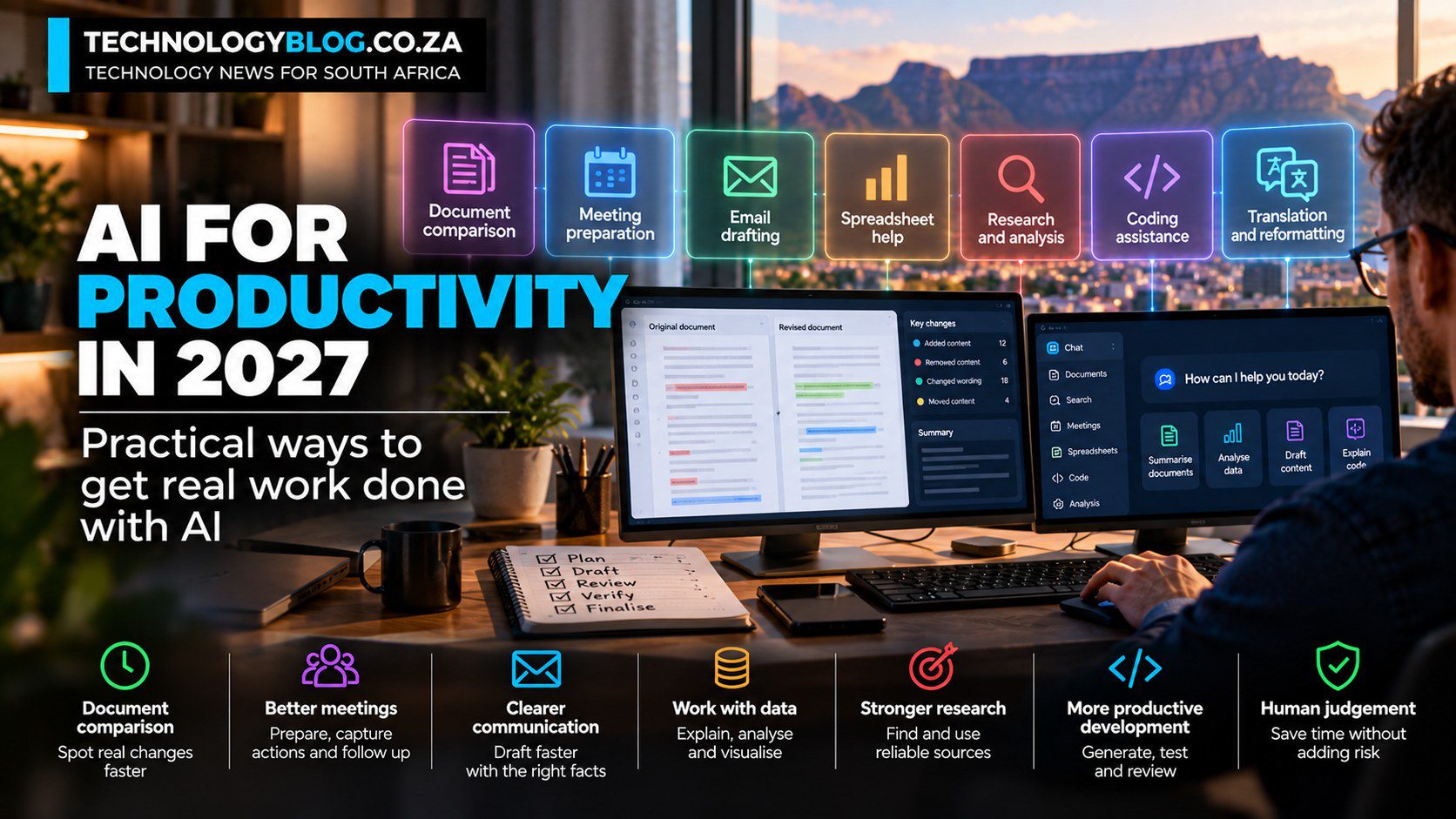
Document comparison is one of the clearest wins
Comparing two versions of a policy, proposal or specification is repetitive but still requires judgement. AI can identify additions, removals and changed wording and organise those changes into a review table.
The human then spends attention on the material differences instead of rereading unchanged pages.
The workflow becomes much stronger when the system is required to cite the section or passage behind every finding.
Meeting preparation can be more valuable than meeting transcription
Much of the AI discussion around meetings focuses on notes. Preparation is often the more useful opportunity.
Give the system the agenda, previous decisions and unresolved questions. Ask for the decisions that need to be made, conflicts between documents and information still missing.
After the meeting, the same source material can be turned into actions and owners — but only when the system is told not to invent names or dates that were never recorded.
Routine communication works when the facts are already known
Email drafting is a good AI use case because the employee usually knows what the message should accomplish and can review it quickly.
The user supplies the facts, audience and tone. AI handles the first-pass wording. That is different from asking the model to discover important facts and write the message at the same time.
Separating research from drafting reduces the chance that fluent language introduces an unsupported claim.
Spreadsheet help is useful when the employee can validate the numbers
AI can explain a spreadsheet, suggest formulas, group records, identify large changes and propose charts. It is especially useful when the employee understands the business question but does not remember the exact technical steps.
The danger is accepting a confident calculation that nobody checks. Important figures should be reproducible, and the method should remain visible.
Research gets faster when the source hierarchy is explicit
AI research tools can collect sources and organise a brief, but the employee should decide which evidence has authority.
A journalist may want the manufacturer, regulator or filing first. A legal team may want legislation and regulator guidance before commentary. A technical team may need vendor documentation before community posts.
The AI should shorten the search. It should not silently decide which source deserves trust.
Coding assistance can move effort from typing to review
Developers can use AI to explain unfamiliar code, generate tests, create routine functions, draft documentation and propose debugging paths.
The value is real, but it changes the shape of the work rather than eliminating engineering. More generated code means more code that must be reviewed, tested and understood.
A team should measure whether the tool reduces total delivery time without increasing defects or security issues.
Translation and reformatting are strong transformation tasks
Many office workflows contain work that has already been thought through but needs to move into another form: a report becomes an executive summary, technical documentation becomes a customer FAQ, notes become a briefing.
AI is useful here because the source of truth already exists. The instruction can explicitly prohibit adding facts that are not in the material.
AI can review work without becoming the author
One of the strongest professional uses is adversarial review.
Ask the model to identify missing evidence, contradictions, vague claims, duplicated points or questions a sceptical reader might raise. The human remains responsible for the argument, while AI provides a second pass.
That workflow is often more valuable than generating another draft from scratch.
Where AI usually creates more work
AI performs poorly as a productivity shortcut when the employee cannot assess the subject.
If every paragraph requires independent research, generation may simply move effort from writing to verification. The same problem appears when the task is already solved reliably by a simple rule, when the source material is poor, or when the system lacks the permissions needed to retrieve the right information.
High-risk decisions are another weak starting point. Hiring, medical, legal, financial and security actions need stronger controls than routine drafting.
A South African workplace also has a data question
Productivity does not override POPIA, confidentiality or contractual restrictions.
For the wider local policy and governance context, see TechnologyBlog’s complete 2027 guide to artificial intelligence in South Africa.
An employee should know whether the tool is approved for the information being processed and whether a managed business environment is required. Customer records, employee information and commercially sensitive documents should not be copied into an arbitrary consumer AI service simply because it is convenient.
Measure the workflow before and after AI
Choose one repeated task. Record how long it takes today, how often errors occur and where the effort sits. Then run the AI-assisted version and include review and correction time.
A workflow that saves 20 minutes of drafting and adds five minutes of review is useful. One that saves five minutes and adds 25 minutes of fact-checking is not.
For a company-wide approach to those measurements and controls, continue with Artificial Intelligence for Business. For the broader 2027 decision process, see How to Use AI in 2027.
Reusable workflows are more valuable than clever one-off prompts
A workplace gains little from an excellent prompt that only one employee knows how to reproduce. Once an AI-assisted task proves useful, the organisation should preserve the inputs, instructions, review method and known failure cases that made it work.
That turns an individual shortcut into a repeatable process. It also makes future tool changes easier to evaluate because the company has a representative workflow to test instead of relying on memory or enthusiasm.
AI literacy determines whether access becomes productivity
Giving employees an AI account does not automatically create an AI-capable workforce. Staff need to understand hallucinations, source checking, sensitive data, permissions and the difference between a model suggestion and an authorised business decision.
The people closest to the work are often best placed to identify useful opportunities because they understand which steps are repetitive, which exceptions matter and what a plausible but wrong result would cost. Training should therefore develop judgement alongside tool familiarity.


