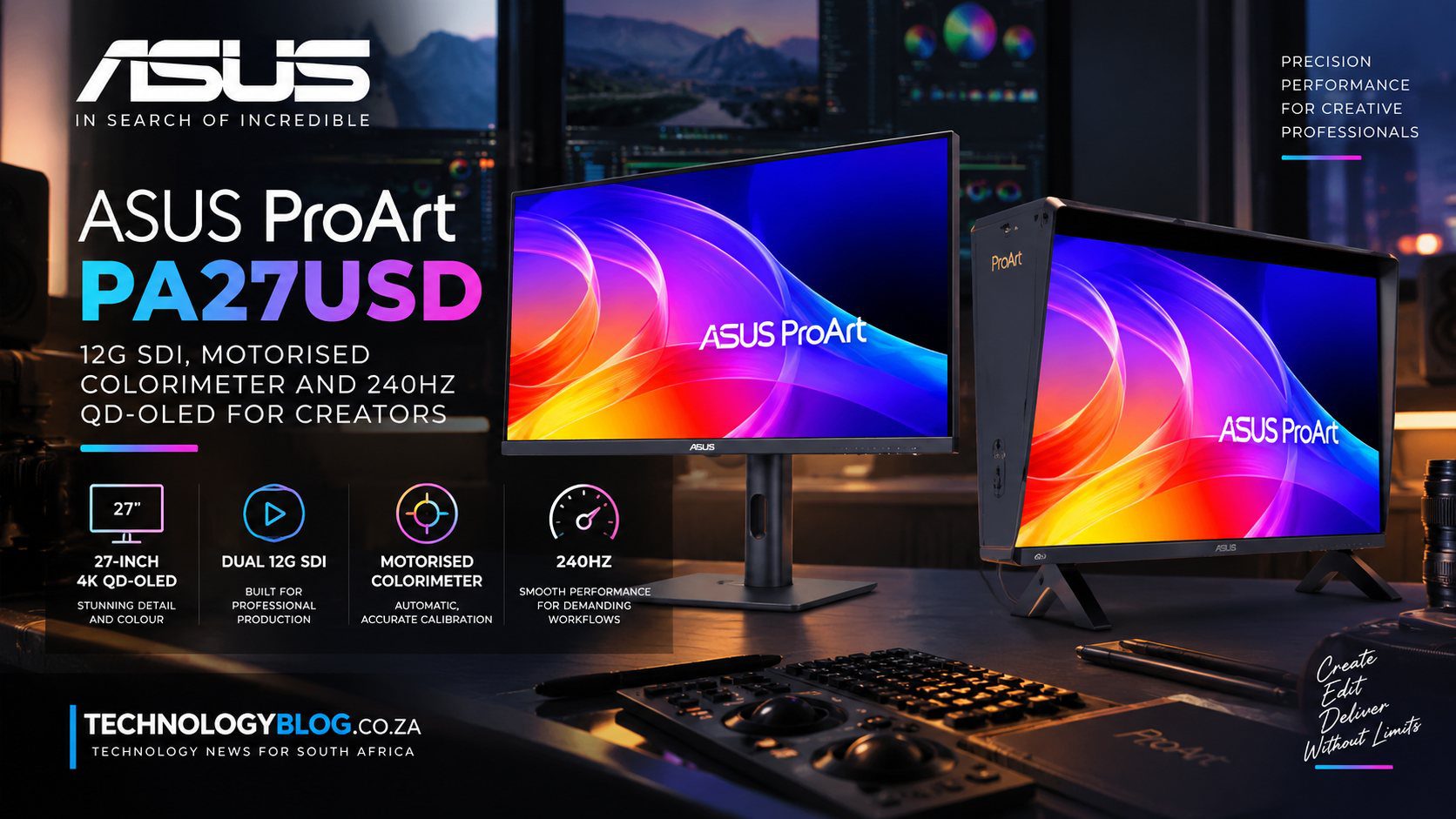
ASUS ProArt PA27USD puts 12G-SDI and a motorised colorimeter into a 240Hz QD-OLED monitor
ASUS’s ProArt Display OLED PA27USD is what happens when a creator monitor starts borrowing infrastructure from a broadcast suite. The 26.5-inch 4K QD-OLED runs at 240Hz, reaches a specified 1,000-nit HDR peak and includes a 12G-SDI input capable of carrying uncompressed 4K video at up to 60Hz. It also contains a motorised flip-out colorimeter for automated calibration.
Those features target two very different kinds of timing. The 240Hz panel is about fast computer interaction and high-frame-rate review. SDI is about reliable, professional video transport. Putting them in one display lets a workstation and production signal share the same colour-critical screen.
12G-SDI is not just another video connector
HDMI and DisplayPort are dominant on PCs and consumer electronics. SDI is built for professional video environments where signals may run through routers, capture systems and long cables, and where locking connectors and predictable formats matter.
12G-SDI provides enough bandwidth for uncompressed 4K video at 60 frames per second over a single link. That allows a camera, Blackmagic UltraStudio interface or broadcast device to feed the monitor without routing the signal through a consumer display chain.
The PA27USD has one 12G-SDI input. That makes it suitable as a monitoring endpoint but less flexible than the larger PA32USD, which carries dual SDI connections for more complex production setups.
240Hz changes more than gaming
A professional video monitor does not normally need to show a 240fps broadcast feed. The high refresh rate is valuable because the PA27USD also functions as a computer display. Cursor movement, timeline scrubbing, 3D viewport navigation and high-frame-rate game development all benefit from low display persistence.
It can also simplify quality checks when a creator works across 24, 30, 60, 120 and higher-frame-rate material. The panel has enough refresh headroom to present many cadence combinations cleanly, subject to the software and connection mode used.
Refresh rate does not reduce every source of latency. Input processing, pixel response and application frame times still contribute. OLED’s fast pixel transitions complement the 240Hz timing, but real end-to-end delay requires measurement.
The motorised colorimeter addresses calibration drift
Displays change over time. OLED emitters age, room conditions vary and factory calibration does not remain a permanent guarantee. Professional colour work therefore relies on periodic measurement against known targets.
ASUS builds a colorimeter into the monitor that can flip into position for automated calibration. That reduces the chance that a studio postpones calibration because an external probe is missing, borrowed or difficult to set up.
The monitor supports ASUS ProArt calibration software as well as Calman and Light Illusion ColourSpace workflows. Integration matters because a measurement device is only useful when the software can generate and store the appropriate correction accurately.
Delta E below one is a starting point, not the entire colour story
ASUS specifies factory calibration to Delta E below one and 99% DCI-P3 coverage with true 10-bit colour. A low average Delta E suggests colour errors intended to be below normal visual perception in the test conditions.
Professional grading also depends on uniformity, gamma tracking, black behaviour, HDR tone mapping and stability at different luminance levels. A single accuracy number cannot describe all of those.
QD-OLED helps with contrast because black pixels can switch off completely, but professional users still need to consider near-black handling and how automatic brightness management behaves with large bright areas.
Thunderbolt makes the broadcast monitor a laptop dock too
The PA27USD includes dual Thunderbolt 4 ports, with one providing up to 96W Power Delivery and the other supporting daisy chaining. It also offers HDMI 2.1, DisplayPort 2.1 and a USB 3.2 hub.
That lets a creator connect a laptop for video, data, charging and peripherals while keeping SDI available for a dedicated production signal. The monitor can therefore bridge desk computing and studio monitoring without requiring two displays.
Ninety-six watts is enough for many professional notebooks but may not supply maximum performance to high-power mobile workstations. Users should check their laptop’s charging requirements rather than assume Thunderbolt removes every power brick.
OLED image retention is part of the professional ownership calculation
Editing applications display static timelines, scopes and menus for hours. OLED panels have improved substantially, but long-term differential ageing remains a consideration when static interface elements are shown repeatedly.
Professional buyers should examine ASUS’s warranty terms, pixel-care features and recommended maintenance cycles. Automated calibration can correct colour drift within limits; it cannot reverse physical emitter wear indefinitely.
The upside is image quality that LCD technologies struggle to match without complex local dimming: true blacks, rapid pixel response and precise per-pixel luminance.
The PA27USD is already beyond announcement stage internationally
ASUS first announced the monitor in May 2026 and said the PA27USD would be available that month at a US price of $2,199. It returned to the spotlight at IBC in September as part of ASUS’s professional-video demonstrations.
That lifecycle is worth noting because the 11 September date reflects the IBC showcase, not the product’s first existence. It is not a newly invented September monitor. The current story is ASUS positioning an already announced professional display inside a broader AI and video-production ecosystem.
No verified South African price or availability was found. The US figure should therefore remain a US launch price rather than being currency-converted into a supposed local cost.
Professional monitoring also depends on signal handling. A display can have an accurate panel yet mishandle video levels, colour-space tags or HDR transfer functions. The PA27USD supports Dolby Vision, HDR10 and Hybrid Log-Gamma, giving it the standards expected in mixed production environments. Studios still need to confirm how the monitor maps each input mode, whether SDI and computer inputs share calibration targets, and how scopes or external reference devices fit into the chain.
That is why the built-in calibration hardware is most valuable as part of a controlled workflow rather than as a magic accuracy button. A facility can schedule measurements, lock target presets and check drift, while an operator still needs to understand delivery requirements. Colour management is a process spanning camera, application, I/O device and display; no single monitor specification replaces that chain.