HP Poly video conferencing in South Africa
A room can deliver a sharp camera picture while leaving remote colleagues struggling to follow the discussion. The useful buying decision considers the whole meeting: how people join, where they sit, what they share and whether their voices reach the other end clearly.
HP Poly offers USB video equipment, all-in-one room appliances and modular conferencing systems. Each approach places different demands on the room, its meeting platform and the team supporting it.
This TechnologyBlog.co.za guide helps South African businesses compare those approaches and build a practical shortlist. It draws on manufacturer documentation and local distributor information rather than hands-on comparative testing.
For headsets, phones and the wider local buying route, see our HP Poly South Africa guide.
Choose a workplace
| Workplace | Equipment to investigate | First design question |
|---|---|---|
| Individual workspace | Personal webcam or video device | Can the camera frame the employee appropriately at the intended desk? |
| Huddle or small meeting room | Small-room USB bar or all-in-one appliance | Will employees connect laptops, or should the room join through its own account? |
| Medium meeting room | Appropriately sized video bar or PC-based room package | Can the proposed camera and audio arrangement cover every seat? |
| Large boardroom or training space | Large-room bar or modular system | Does the layout require separately positioned cameras, microphones and speakers? |
Room labels provide a starting point. A long, narrow six-person room can present a different camera problem from a wider room with the same number of seats.
Provide dimensions, seating positions and photographs when requesting a proposal. Include the locations of windows, displays and existing connections.
Compare room size, host platform and camera placement
Establish where the meeting application runs
USB equipment supplies camera and audio functions to a connected computer. HP positions Studio V12, V52 and V72 USB video bars for different room requirements. The laptop or room computer remains responsible for running the meeting application.
All-in-one appliances include supported meeting applications within the room device. HP positions Studio X32 for smaller rooms, X52 for medium rooms and X72 for larger spaces. Confirm the supported platform, software version, controller and account requirements for the proposed installation.
Modular systems allow components to be selected and positioned separately. Studio G62 is designed for customised room installations and requires compatible camera and audio peripherals to form a complete system.
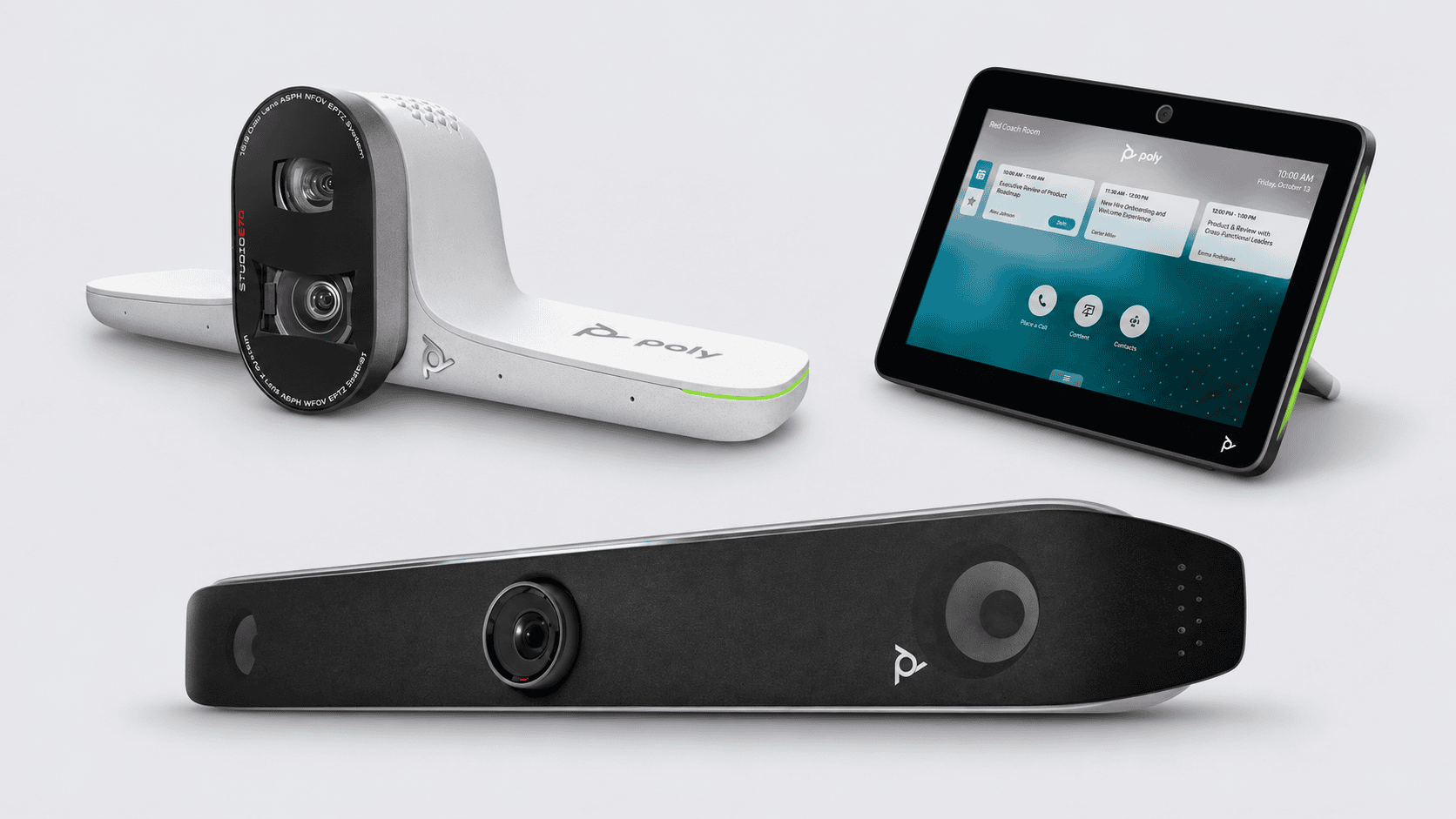
A separate camera, such as Studio E70, is one component of that design. Its inclusion does not establish that microphones, speakers, room computing or control equipment are also included.
These distinctions should appear explicitly in the quotation. “Video conferencing system” is too broad a description to establish what the business is buying.
Match the platform to the complete configuration
For Microsoft Teams or Zoom, identify whether the proposal is for a laptop-connected room, a dedicated room computer or an appliance running the room platform.
Ask the supplier to confirm certification or supported compatibility for the exact hardware and configuration. Establish the required room account, licences and responsibility for administration.
Also test meetings hosted outside the organisation’s usual platform. Joining a guest meeting and sharing a laptop presentation may follow different processes, with additional accessories or configuration required.
The relevant question is how employees and visitors will use the proposed room—not simply whether a platform logo appears beside a product.
Place the camera around the conversation
Camera placement deserves attention before mounting positions are finalised.
Check whether people nearest the display remain in view, whether those at the far end are large enough to follow, and whether screens or furniture obstruct sightlines. Positioning should also consider the seated participants’ eyeline and the display they watch.
Automatic framing can help present the room, but the supported modes vary by device, software and platform. Ask for a demonstration using the intended seating arrangement.
Audio needs a separate check. A camera covering a seat does not establish adequate speech pickup from that position. Microphone expansion must follow the compatibility requirements of the chosen system.
During the demonstration, have someone join remotely and assess ordinary conversation, quieter speakers, overlapping discussion and content sharing.
Linked model index
These articles provide starting points for three different requirements. Use current manufacturer documentation and the supplier’s configuration proposal to confirm specifications, compatibility and included equipment.
| Model guide | Deployment approach | Intended starting point |
|---|---|---|
| HP Poly Studio V12 | USB video bar connected to computing equipment | Small meeting rooms using a laptop or room computer |
| Poly Studio X52 | All-in-one room appliance | Medium rooms seeking a dedicated room experience |
| HP Poly Studio X72 | All-in-one room appliance | Larger meeting spaces requiring a suitable integrated camera and audio arrangement |
Further configurations to discuss with an installer include Studio V52 and V72 for USB deployments, Studio X32 for smaller appliance-based rooms, and Studio G62 with compatible peripherals for modular installations.
For a separate camera requirement, Studio E70 offers a dual-camera design with supported framing functions. Confirm its connection to the proposed host system and the accompanying audio equipment.
