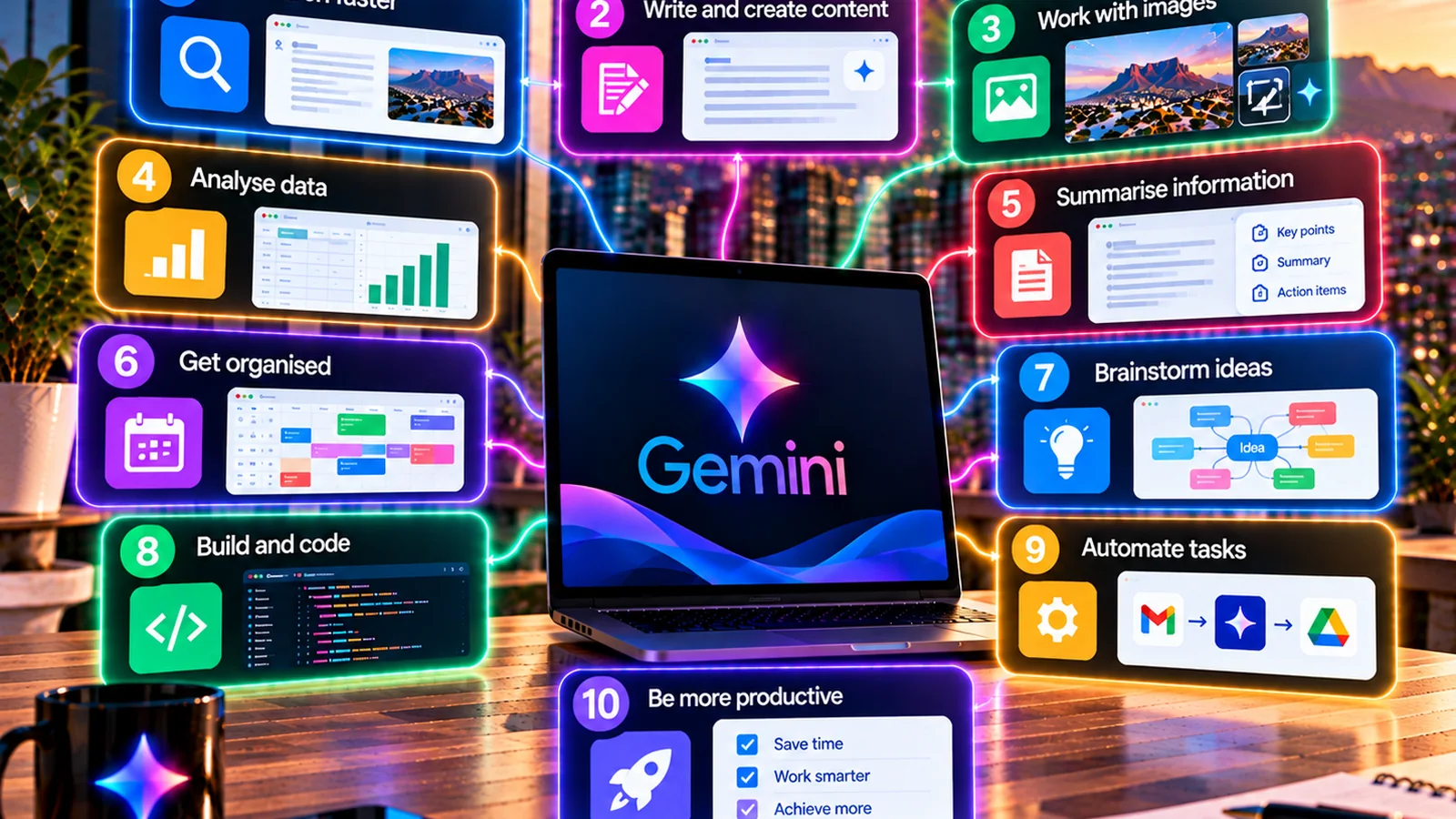
10 Things You Can Do With Gemini in 2027
The most useful Gemini demos start looking like work the moment there is something real to inspect. A document, email thread, spreadsheet, video or defined workflow gives the model evidence and boundaries. Entering 2027, that matters more than collecting clever prompts because Google is increasingly combining multimodal inputs, connected apps and agentic work.
Here are ten practical workflows. The point is not to use all ten; it is to find the one or two that replace repeated manual work. For the full product map, use TechnologyBlog’s Google Gemini complete guide.
1. Ask questions about a long document
Upload a report, policy, manual or PDF and ask Gemini for specific findings. Require page or section references so you can verify the output.
A good prompt is “List the five requirements that affect data retention, with the section number and a one-sentence explanation. Do not infer anything not stated.”
2. Run a Deep Research report
Use Deep Research when the question needs evidence from multiple sources. Google says the feature can work with Google Search and selected sources such as Drive, Gmail, uploads and NotebookLM notebooks where supported.
Edit the research plan before running it if the scope is too broad.
3. Summarise a messy email thread
If Gmail is part of the authorised workflow, ask Gemini to separate decisions, open questions, commitments and next steps before drafting a reply.
That is more useful than immediately asking for an email because it gives you a chance to check understanding first.
4. Build a first spreadsheet structure
Gemini in Sheets can help create tables, resolve formulas and organise data. Use it to get from business question to spreadsheet structure, then verify formulas and source ranges before relying on the result.
5. Turn source material into a presentation outline
Gemini can help structure a deck from selected files and context. Ask it to create the narrative sequence and note which source supports each factual slide.
This reduces the blank-page problem without turning the model into the source of truth.
6. Analyse images, audio or video
Gemini’s multimodal models can reason across media. Users can ask questions about images and other supported content, while Google’s agentic video work shows models becoming more selective about which parts of long media need deeper inspection.
For an example of that direction, see TechnologyBlog’s Gemini agentic video understanding coverage.
7. Use Gemini Live to talk through a problem
Gemini 3.8 Live is designed for more natural voice interaction with real-time context. This can help with brainstorming, guided explanation, visual troubleshooting and hands-free work.
Remember that live sessions can involve audio, video and screen information. Review privacy settings before using sensitive material.
8. Create a reusable skill
Google launched skills for personal Gemini accounts on 30 September 2026 and is still transitioning Gems into that system. Turn a repeated prompt into a reusable instruction that defines source rules, tone, prohibited assumptions and output format.
A useful skill is not a magic prompt. It is a documented process.
9. Use the desktop app beside your other work
Google’s Windows and Mac apps reduce the need to keep returning to a browser tab. Gemini can sit beside active applications for drafting, research and other tasks.
That convenience makes context management more important. Be deliberate about what files and screen content you expose.
10. Ask Gemini to challenge your draft
Do not only use AI to create. Give it an article, proposal or plan and ask for the five claims that most need evidence, the assumptions a sceptical reader would question or the sections that repeat themselves.
This is often more valuable than generating another version from scratch because the human remains the author and Gemini acts as a review layer.
Bonus: combine several steps into one bounded task
Agentic workflows can join research, source gathering and document creation. Start with tasks that are reversible and easy to observe. Do not give an agent broad permission simply because it can handle multiple steps.
Which one should you try first?
Pick a task you repeat every week and already know how to judge. Measure the total time before and after using Gemini, including checking and correction. That tells you whether the workflow is genuinely useful.
If you need a structured starting process, read How to Use Gemini in 2027. If you need to decide which capability fits which job, see Best Gemini Tools and Use Cases.
Turn one useful result into a controlled workflow
You do not need to redesign an entire job around Gemini. If one weekly research brief, document comparison or spreadsheet task becomes consistently faster without increasing errors, that is already useful.
When that happens, save more than the final answer. Record the instruction, source requirements, review checks and conditions that made the result reliable. For business use, add an owner and review date because models, permissions and interfaces change.
Do a privacy check before adding more context
Gemini often becomes more useful when it can see more information, but more context is not automatically better. Before connecting another app or uploading another file, ask whether the task genuinely needs that data and whether the account is approved to process it.
Review remains part of the workflow. Every example above is more useful when the user can inspect the source, calculation or action behind the result. Convenience should reduce mechanical work without removing accountability.
Test more than the clean example
Include one ordinary case, one messy case and one incomplete case when you evaluate a Gemini workflow. The incomplete example is particularly useful because it shows whether the model marks the gap, asks for more information or invents a plausible answer. A repeatable workflow needs to survive the imperfect inputs that appear in real work, not only the demonstration that made the feature look good.
How to tell whether a Gemini workflow is actually better
Measure the whole job, not the moment the answer appears. Record how long the task takes without Gemini, then include source preparation, prompting, checking, corrections and approval in the AI-assisted version. Also record the kinds of mistakes that appear. A workflow that saves 15 minutes but regularly introduces unsupported facts may be worse than the process it replaced.
Repeat the test on several real examples rather than one carefully chosen demonstration. If the same instructions and source rules keep producing a useful result, the workflow has evidence behind it. If quality changes dramatically from one example to the next, keep the task experimental until the failure pattern is understood.