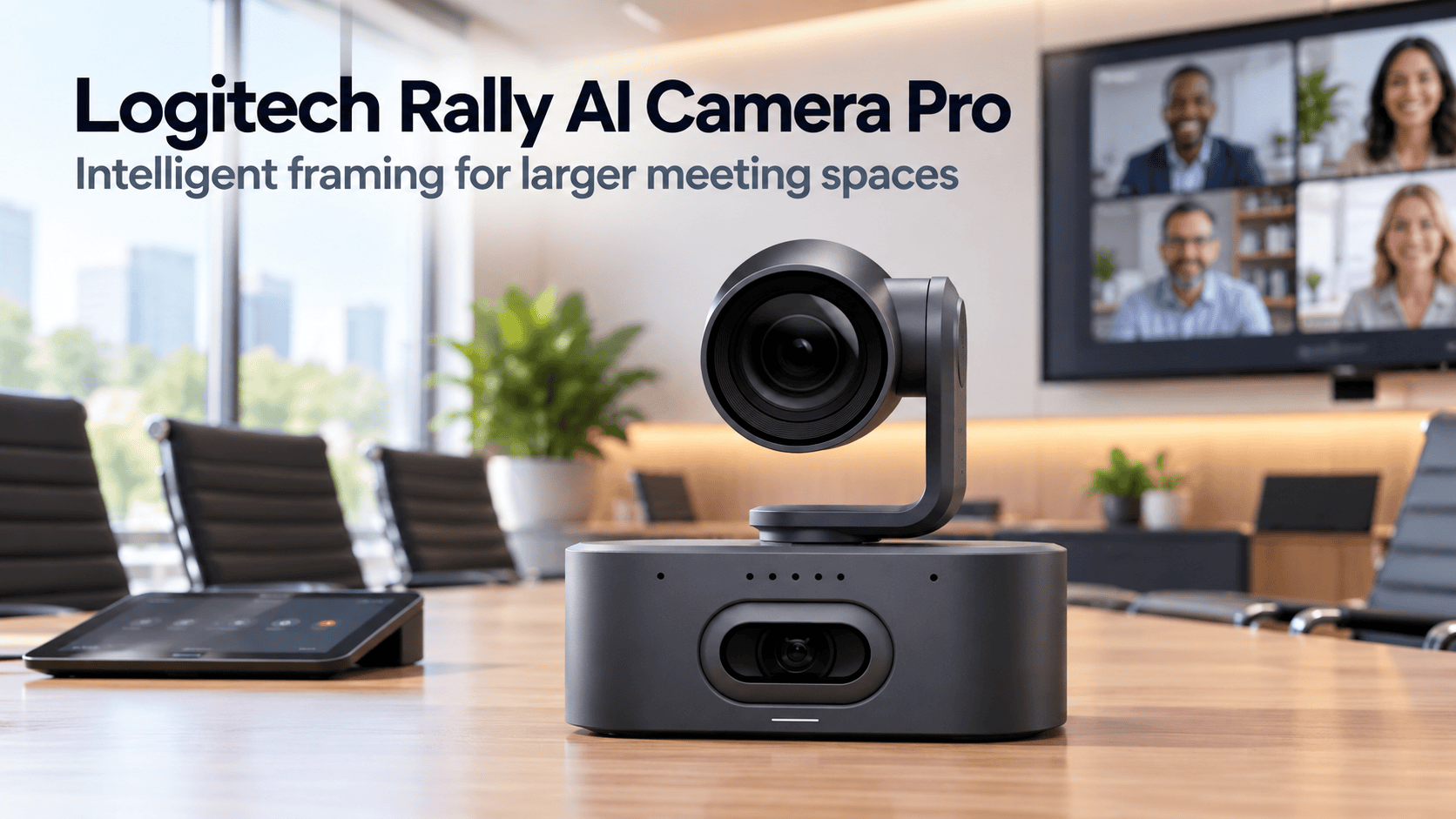
Logitech Rally AI Camera Pro brings sharper focus to larger meeting rooms
A camera at the front of a boardroom can show everyone without giving remote colleagues a useful view of anyone. Faces become small, presenters move out of shot, and conversations shift faster than someone can adjust the camera.
The Logitech Rally AI Camera Pro tackles these challenges with dual-camera optics, 15x hybrid zoom and automated framing. Logitech positions it for larger, more complex spaces, including boardrooms, training rooms and classrooms. Its purpose goes beyond capturing a wide shot: it aims to make the people inside that room easier to follow. hub.sync.logitech.com
Two cameras handle different perspectives
The Rally AI Camera Pro combines a motorised optical camera with a digital camera featuring a one-inch sensor. This arrangement gives the system both a broad perspective and the ability to frame people at a distance.
Importantly, the advertised 15x zoom is hybrid. It combines 5x optical zoom with 3x digital zoom, rather than providing 15x optical magnification. That distinction matters when assessing how the camera captures someone seated at the far end of a table.
Logitech specifies video output up to 4K at 30 frames per second. However, the resolution remote participants receive also depends on the conferencing platform and meeting configuration. Camera capability alone does not guarantee a 4K call. www.logitech.com
Rally AI Camera Pro adjusts the view as meetings change
RightSight 2 provides the camera’s automated framing features. Instead of relying on one fixed composition, the system offers views suited to different meeting formats.
Group View frames the room’s participants together. Grid View frames people into separate gallery tiles, while Presenter View follows a presenter as they move. Speaker View focuses on an active speaker, although Logitech notes that its availability depends on the configuration.
These options address different needs. A training session benefits from following an instructor, whereas a discussion may need several faces visible simultaneously. Meanwhile, Camera Zone lets administrators set left, right and depth boundaries for framing. This helps exclude movement beyond glass walls or windows. www.logitech.com
Audio remains part of the room design
A capable camera still needs an appropriate conference audio system. Logitech supports integration with its Rally system and compatible professional audio solutions.
The Pro’s eight-microphone array supports beamforming and direction detection for camera framing. Buyers should therefore plan microphone and speaker coverage alongside the video installation, rather than assume the camera completes the room’s audio requirements. www.logitech.com
For a long boardroom table or a training space, that planning matters as much as the image. Remote participants need to hear contributions clearly while the camera follows the discussion.
Installation flexibility needs careful planning
Logitech provides USB connectivity and supports a single CAT cable deployment through the optional Rally AI Camera Extension Kit. The extension kit is an additional requirement for that connection method.
The camera also supports single-camera and multi-camera installations. However, the available multi-camera experience depends on the conferencing provider and supported configuration.
For IT teams, direct management through Logitech Sync adds practical value. Administrators can configure, monitor and update the camera alongside other meeting-room devices. Room usage and occupancy insights also support decisions about how organisations use their spaces. www.logitech.com
What it means for South African workplaces
For South African organisations connecting teams across offices, the relevant question is how clearly remote colleagues can follow a meeting. A distant face or an instructor outside the frame can make participation harder, even when the connection itself works.
The Rally AI Camera Pro brings tools designed to address those visual problems. Nevertheless, buyers should confirm their platform configuration, audio integration and installation requirements before committing to a room design.
Logitech’s South African page currently labels the product “Coming Soon” and provides sales and reseller contact options. That listing does not establish immediate local stock availability. www.logitech.com
The Pro’s appeal lies in combining wider room coverage with closer views and automated framing. For larger meeting spaces, that offers a more adaptable approach to showing the people who are speaking, listening and presenting.


