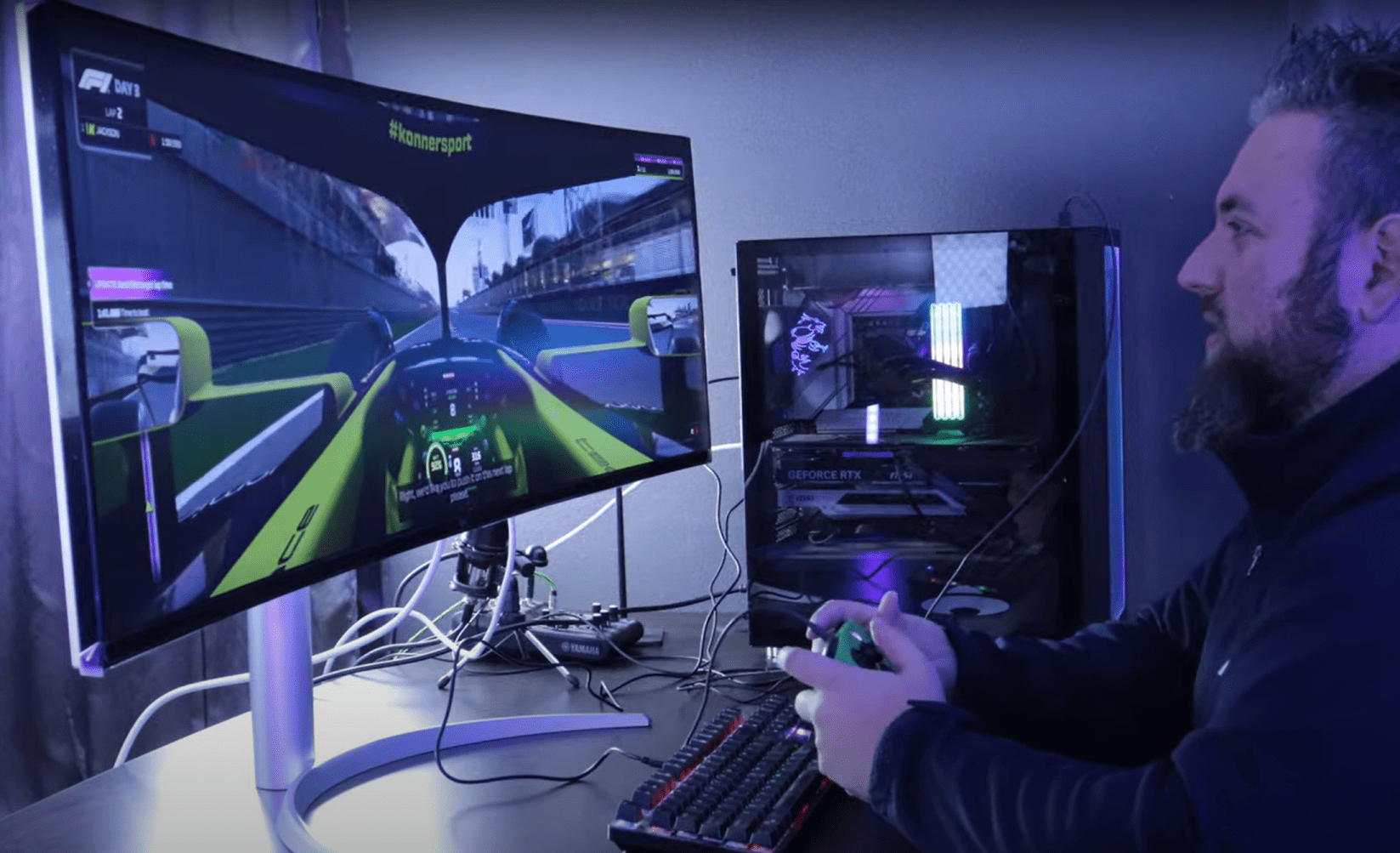
Level Up Your Screen Space: The LG 49WQ95C Ultra-Wide Monitor Impresses for Gaming and Productivity
In the ever-evolving world of hybrid work and immersive gaming, display real estate is no longer a luxury — it’s a necessity. Enter the LG 49WQ95C, a 49-inch curved ultra-wide monitor that doubles as both a productivity powerhouse and a gaming beast.
I recently had the chance to unbox, test, and live with this behemoth for a few days, using it across a mix of office tasks and demanding gaming sessions. Spoiler alert: it didn’t disappoint.
Unboxing and First Impressions
Right out of the box, the LG 49WQ95C commands attention. The curved 49-inch panel spans a staggering 32:9 aspect ratio — essentially two 27-inch QHD monitors fused into one seamless display (5120×1440 resolution). The build quality feels premium, with a solid stand and USB-C docking built-in for streamlined desk setups.
LG includes everything needed to get going quickly, including a USB-C cable, DisplayPort, HDMI, and a clean cable management system. It’s plug-and-play, even with MacBooks and newer Windows ultrabooks.
Performance in the Office
Productivity is where the 49WQ95C truly shines. I ran multiple apps side-by-side: spreadsheets, Slack, Chrome tabs, video editing, and Zoom — all without needing a second monitor. LG’s OnScreen Control software lets you snap windows into custom layouts effortlessly.
For creatives and developers alike, the colour accuracy (98% DCI-P3) and sharp resolution make it ideal for multitasking, photo editing, or even video timelines across the ultra-wide screen. Bonus: with USB-C charging (up to 90W), it replaces your docking station completely.
Gaming Experience
Switching gears to gaming, the 49WQ95C held its own. With a 144Hz refresh rate, 1ms response time, and AMD FreeSync Premium Pro, games like Forza Horizon 5 and Call of Duty: Warzone were buttery smooth and deeply immersive.
The ultra-wide aspect ratio gives a competitive edge — especially in racing sims and flight games. The curved panel enhances the field of view, wrapping you in the experience without the bezels of dual-monitor setups.
Keep in mind: not all games support 32:9 natively, so be sure to check compatibility or use LG’s built-in scaling tools.
Final Thoughts: Is It Worth It?
The LG 49WQ95C isn’t just a monitor — it’s a productivity enhancer and gaming hub rolled into one. For professionals who need screen space and gamers who crave immersion, this ultra-wide display is a strong contender.
Yes, it comes at a premium price (typically around R25,000–R35,000 in South Africa), but it can replace two monitors and a dock — saving desk space and simplifying your setup. If you’re looking to elevate your workstation or gaming rig in 2025, the LG 49WQ95C is worth every inch.
Specs Recap
- Display: 49” Curved Nano IPS, 5120×1440 (Dual QHD)
- Refresh Rate: 144Hz
- Ports: HDMI, DisplayPort, USB-C, USB Hub
- HDR: VESA DisplayHDR 400
- Aspect Ratio: 32:9
- Price (ZA): Approx. R25,000–R35,000
Watch the full unboxing and gaming test on YouTube here:
Follow me on
https://www.tiktok.com/@ben_chief_techie
https://www.linkedin.com/in/benjamin-liebenberg/
https://www.instagram.com/ben_liebenberg_/
https://www.youtube.com/@BenjaminLiebenberg
For more reviews, tech tips, and gear tests.


I’m not that much of a internet reader to be honest but your sites really nice, keep
it up! I’ll go ahead and bookmark your site to come
back in the future. Cheers
It’s amazing to pay a quick visit this site and reading the views of all colleagues regarding this post, while I am
also keen of getting familiarity.
Hmm is anyone else experiencing problems with the images on this blog loading?
I’m trying to determine if its a problem on my end or if it’s the blog.
Any feedback would be greatly appreciated.
Wow, amazing blog layout! How long have you been blogging for?
you make blogging look easy. The overall look of your site is fantastic,
let alone the content!
Hi, this weekend is good designed for me, since this point in time i am
reading this impressive informative paragraph here at my home.
Hello there! This is kind of off topic but I need
some advice from an established blog. Is it hard to set up your own blog?
I’m not very techincal but I can figure things out pretty fast.
I’m thinking about creating my own but I’m not sure where to begin. Do you have any tips or suggestions?
Thank you
Thanks for some other informative site. Where else may just I am getting that type of information written in such
a perfect method? I have a challenge that I’m simply now working on,
and I have been on the look out for such info.
It’s going to be end of mine day, but before finish I am reading
this impressive post to improve my know-how.
I don’t know whether it’s just me or if perhaps
everyone else encountering problems with your blog. It appears as if some
of the written text within your posts are running off the screen. Can someone else please comment and let me know
if this is happening to them too? This may be a issue with my browser because I’ve had
this happen previously. Cheers
Hello! I’m at work browsing your blog from my new iphone 4!
Just wanted to say I love reading through your blog and look forward to all
your posts! Carry on the outstanding work!
I blog quite often and I truly thank you for your content.
This great article has truly peaked my interest. I
will book mark your website and keep checking for new information about once a week.
I subscribed to your RSS feed as well.
Remarkable! Its actually remarkable piece of writing, I have got much clear idea about from
this piece of writing.
I know this site provides quality dependent articles or reviews and extra material, is there any
other site which gives these kinds of information in quality?
I savour, lead to I found just what I was taking a look for.
You’ve ended my four day lengthy hunt! God Bless you man. Have a great
day. Bye
Superb website you have here but I was curious if you knew of any message boards that cover the
same topics discussed here? I’d really love to be a part of online community where I can get advice from other experienced
individuals that share the same interest. If you have any suggestions, please let me know.
Kudos!
Hello to every single one, it’s actually a pleasant for me to pay a visit this web site, it consists of useful Information.
I was suggested this blog by my cousin. I’m not
sure whether this post is written by him as no one else know such detailed about my problem.
You’re amazing! Thanks!
Hi to all, it’s genuinely a pleasant for me to pay a visit this site,
it consists of important Information.
You could definitely see your skills in the article you write.
The arena hopes for more passionate writers like you who aren’t afraid
to say how they believe. Always go after your heart.
I think this is one of the most vital information for me. And i am glad reading your
article. But want to remark on some general things,
The web site style is wonderful, the articles is really
nice : D. Good job, cheers
I every time spent my half an hour to read this blog’s posts daily
along with a mug of coffee.
There is definately a great deal to learn about this issue.
I love all the points you made.
I will immediately seize your rss as I can not
find your e-mail subscription link or e-newsletter service.
Do you have any? Please allow me know so that I may subscribe.
Thanks.
I like it whenever people get together and share thoughts.
Great blog, continue the good work!
Thank you a lot for sharing this with all of
us you actually recognise what you’re talking about!
Bookmarked. Please additionally consult with my website =).
We will have a hyperlink alternate agreement between us
After looking into a handful of the blog posts on your site, I honestly like your way of blogging.
I bookmarked it to my bookmark webpage list and will be checking back soon. Take a look at my website
as well and let me know what you think.