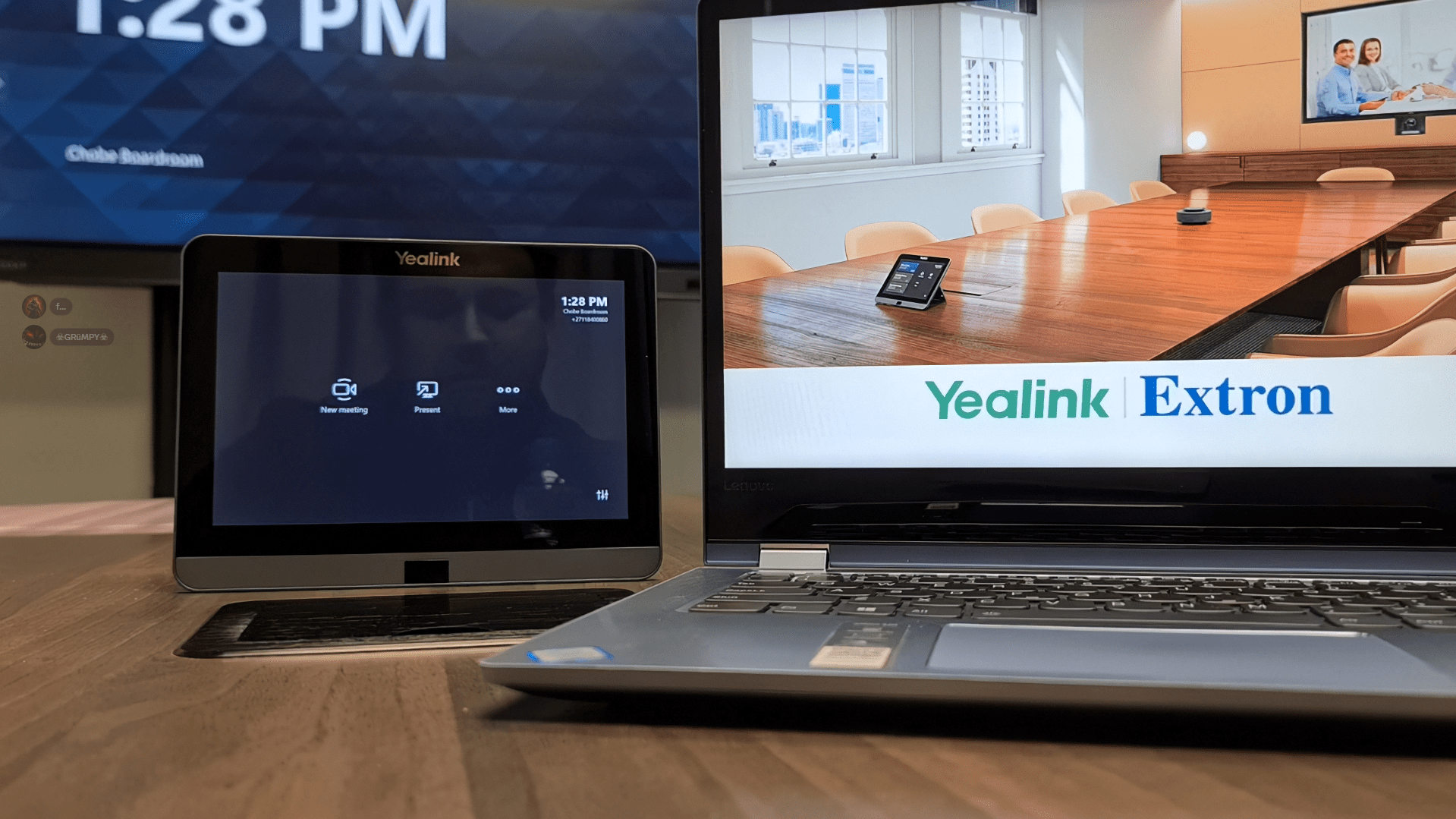
Yealink and Extron Integration for Microsoft Teams Rooms Explained
Modern meeting rooms are no longer limited to video calls and screen sharing. As workplaces adopt more advanced collaboration spaces, users increasingly expect control over the entire room environment, not just the meeting itself. This includes lighting, displays, and other in room systems that affect comfort and usability.
Microsoft Teams Rooms provides a consistent meeting experience, but managing room controls has traditionally required separate systems or additional touch panels. The new integration between Yealink and Extron addresses this challenge by bringing room control features into the Teams Rooms experience.
This article explains how the Yealink and Extron integration works with Microsoft Teams Rooms, what capabilities it introduces, and why it may be relevant for organisations designing or upgrading intelligent meeting spaces.
What Is the Yealink and Extron Integration for Microsoft Teams Rooms?
The integration between Yealink and Extron connects Microsoft Teams Rooms hardware with Extron’s professional audiovisual control systems. It allows certain room environment controls to be accessed directly through the Teams Rooms interface.
Instead of relying on separate control panels, users can manage supported room features such as displays and lighting alongside standard Microsoft Teams meeting controls. The goal is to create a more unified and intuitive meeting room experience.
This integration is designed for professionally installed meeting rooms where room automation and control are already part of the AV environment.
Features and Benefits
Unified room control interface
Room features appear within the Teams Rooms control experience.
Why it matters: Reduces the need to switch between systems during meetings.
Control of displays and lighting
Supported environmental controls can be adjusted from the room console.
Why it matters: Improves comfort and visibility without technical intervention.
Consistent user experience
Standard Teams Rooms functionality remains unchanged.
Why it matters: Users don’t need additional training for room operation.
Designed for professional AV environments
Built to work with installed control systems.
Why it matters: Suitable for boardrooms, training rooms, and shared spaces.
Reduced room complexity
Fewer standalone control panels may be required.
Why it matters: Helps simplify room design and maintenance.
How the Integration Works in Practice
- A Microsoft Teams Room is deployed using supported Yealink hardware.
- The room is connected to an Extron control system.
- Extron configures room controls such as displays or lighting.
- These controls are made available within the Teams Rooms interface.
- Users manage meetings and room settings from a single control point.
The available controls and behaviour depend on room configuration, supported hardware, and system design. The integration is intended to complement existing AV control workflows rather than replace professional system configuration.
Practical Tips for Using Integrated Room Controls
- Clearly label which room features are user adjustable.
- Keep room control options simple to avoid confusion.
- Test room behaviour before high profile meetings.
- Document default room settings for support teams.
- Ensure firmware and software versions are kept up to date.
Yealink: Company Overview
Yealink is a global provider of unified communications and collaboration hardware. The company develops video conferencing devices, desk phones, and meeting room systems designed to work with platforms such as Microsoft Teams.
Yealink solutions are used in a range of environments, from small offices to large enterprise meeting rooms, with a focus on certified hardware and standardised user experiences.
Extron: Company Overview
Extron is a professional audiovisual technology company specialising in AV control, signal distribution, and room automation systems. Its solutions are commonly used in corporate, education, and public sector environments.
Extron focuses on designing and managing integrated AV systems that control displays, audio, lighting, and other room technologies through centralised platforms.
Product Ecosystem Overview
Yealink provides Microsoft Teams Rooms certified devices such as room consoles, cameras, microphones, and compute solutions. These devices form the user facing interface for meetings and collaboration.
Extron supplies the underlying control infrastructure that manages room systems. When integrated, the two ecosystems allow Teams Rooms to act as both a meeting controller and a gateway to selected room environment functions.
Sustainability and Smarter Room Design
Integrated room control systems can support more efficient use of meeting spaces. Centralised control of displays and lighting may help reduce unnecessary power usage when rooms are idle.
By combining collaboration and room control into a single interface, organisations can also reduce the number of devices required in a space, potentially lowering long term hardware usage and maintenance demands.
The Yealink and Extron integration for Microsoft Teams Rooms reflects a broader shift toward smarter, more integrated meeting environments. By bringing room controls into the same interface used for meetings, the experience becomes more intuitive for everyday users.
For organisations investing in professionally designed meeting spaces, this type of integration can help align collaboration tools with the physical room environment, supporting more seamless and efficient meetings.